
Clients & Ventures

Product/systems design that turns AI tech into business results










Contact Us
Contact form or information will go here.
Project Detail


Residential Project Mgt
Summary

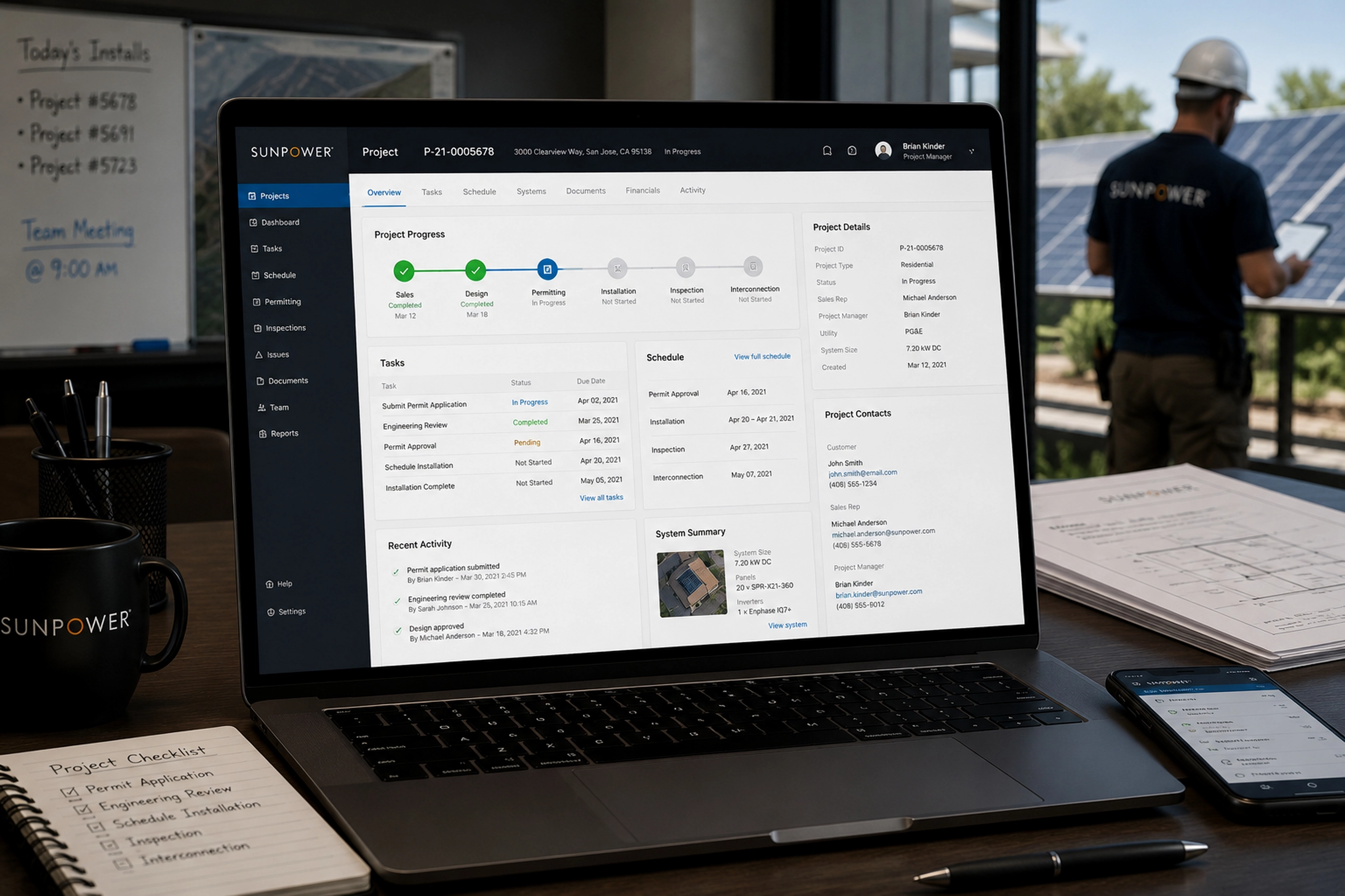
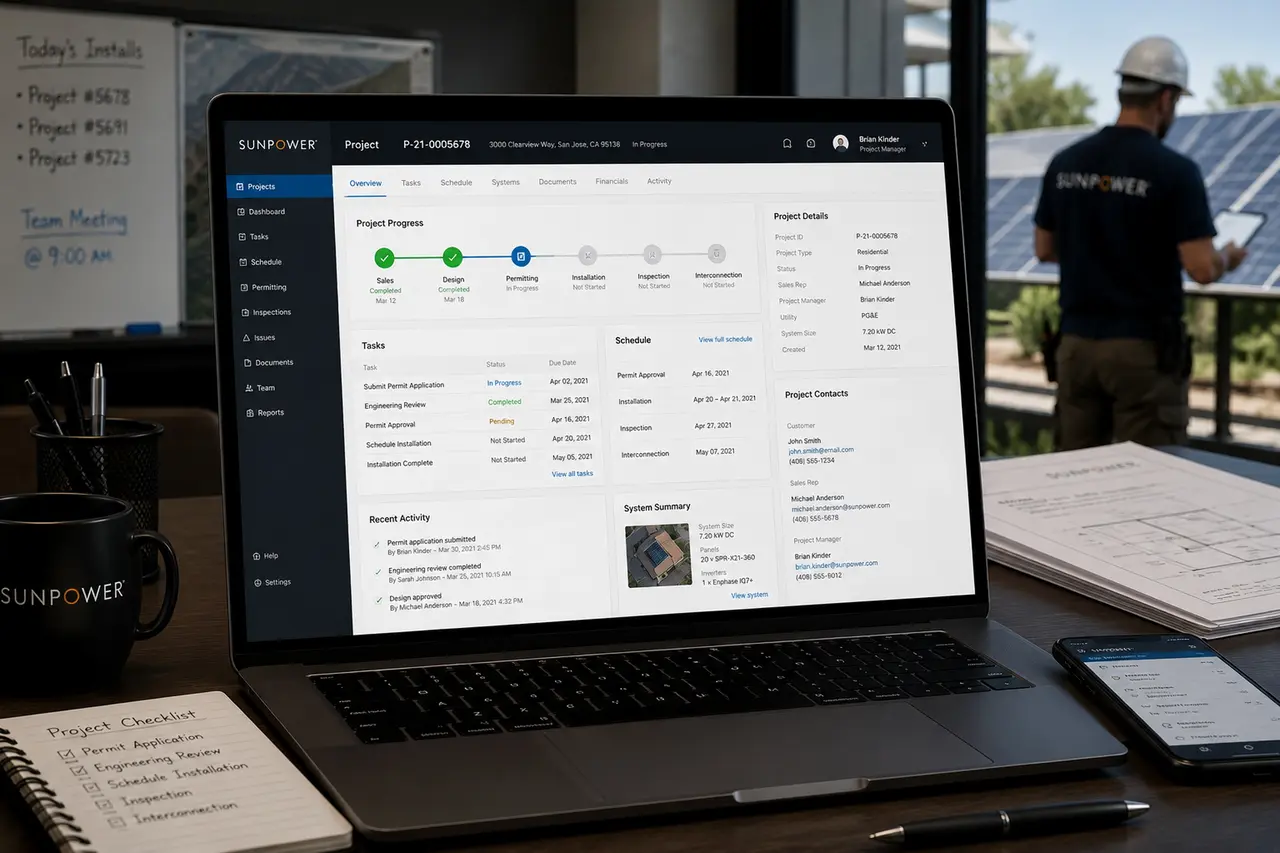
An internal project management app that helped SunPower teams coordinate residential installations, holds, documents, tasks, and project status.
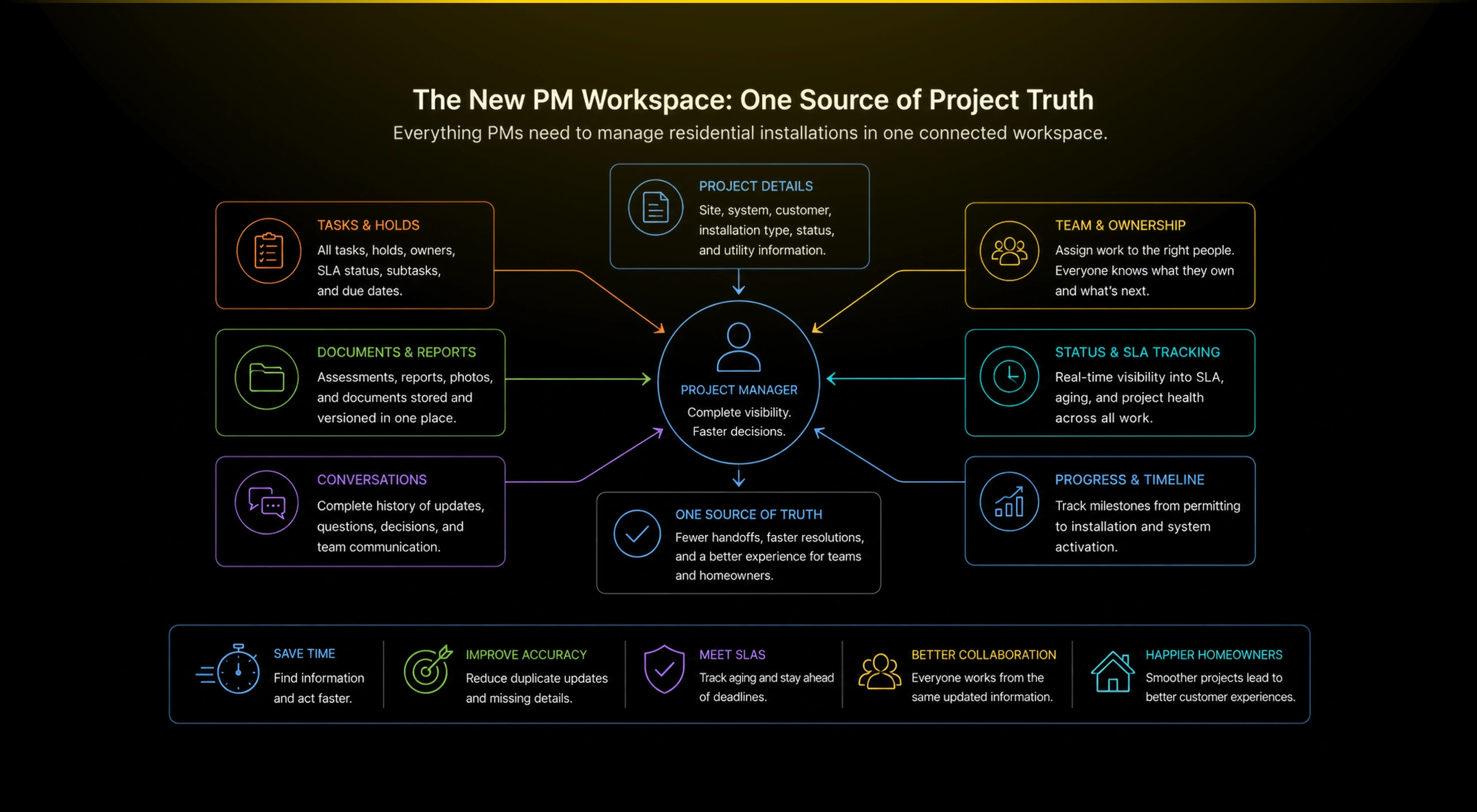
SunPower’s residential installation process relied on fragmented Salesforce screens, spreadsheets, and manual coordination across teams. Project managers spent their days reacting to issues instead of proactively managing installs.
I led the redesign of the Residential Project Management App, creating a single, modern interface that centralized permits, scheduling, materials, and inspections, dramatically improving operational clarity and execution speed.
Outcome
The app gave PMs a clearer way to manage residential installation work.
The Residential Project Management app helped internal teams reduce ambiguity across active projects. It turned scattered information into a project workspace where status, tasks, conversations, documents, and ownership could be managed together.
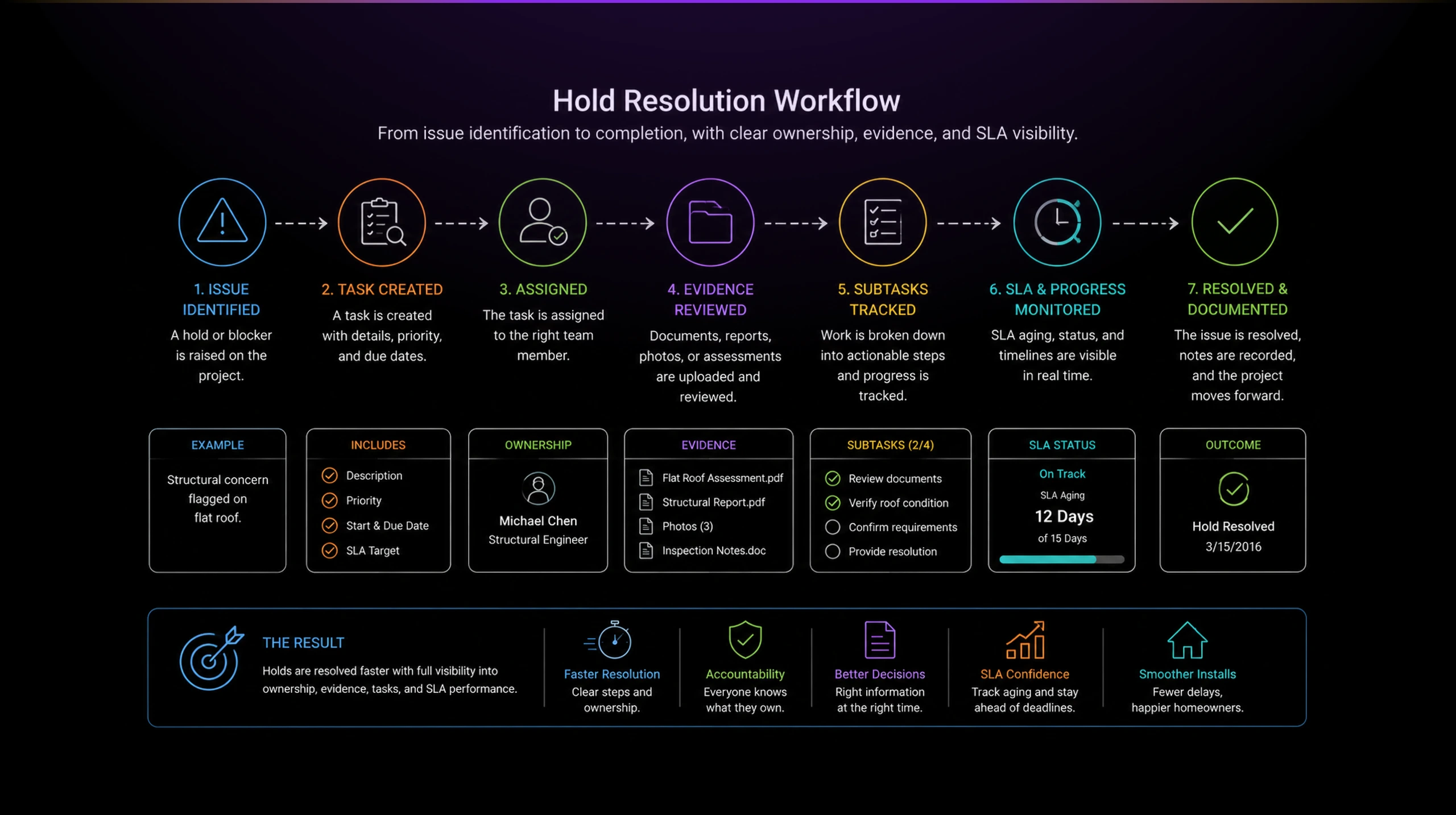
Estimated impact based on project context:
- Reduced project lookup and context-switching
- Clearer hold resolution workflows
- Better visibility into task ownership and SLA aging
- Fewer lost details across conversations and documents
- Faster project status understanding for PMs
- More reliable coordination across installation teams
The project showed how internal tools can create operational leverage. By making project truth visible, the app helped PMs move from reactive coordination to structured execution.
The Problem
Residential installation coordination was too fragmented.
After a homeowner committed to solar, the work became operationally complex. PMs had to coordinate site details, structural issues, documents, installation type, approvals, tasks, conversations, and handoffs across multiple teams.
The pain was not one missing screen. It was the constant need to reconstruct project truth from scattered data, emails, documents, Salesforce fields, and team conversations.
When a project went on hold, PMs needed to know why, who owned the next step, what documents were missing, and whether the issue affected SLA timelines.
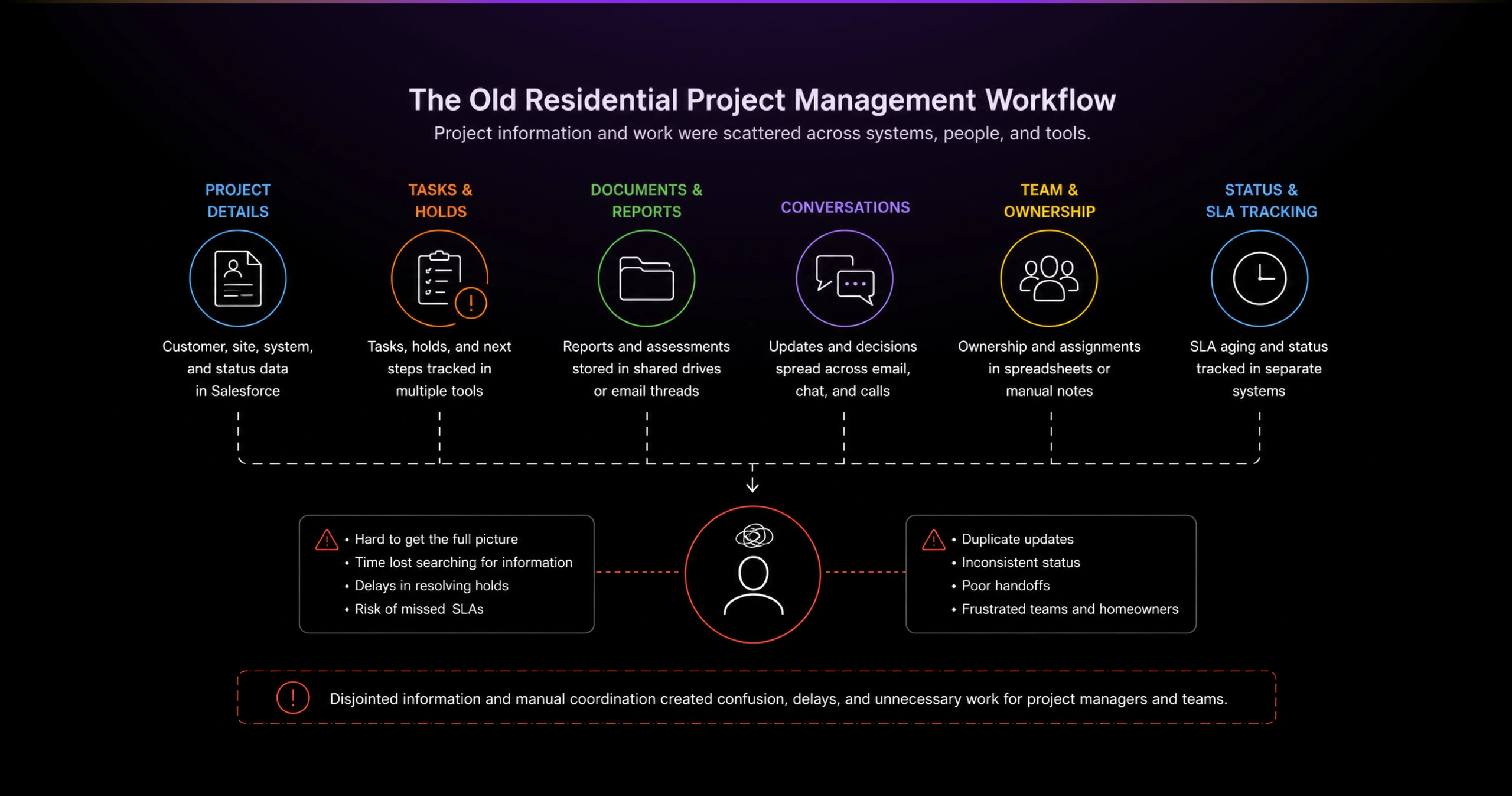
Without a unified workspace, PMs spent too much time searching, clarifying, and manually coordinating work that should have been visible in one place.
Solution
Creating a command center for residential project work.
I designed the Residential Project Management app as a centralized workspace for internal PMs managing solar installations after the sale.
The app started with a clear project list. PMs could search, scan current project status, see what each project needed, and select the right customer file without jumping between disconnected tools.
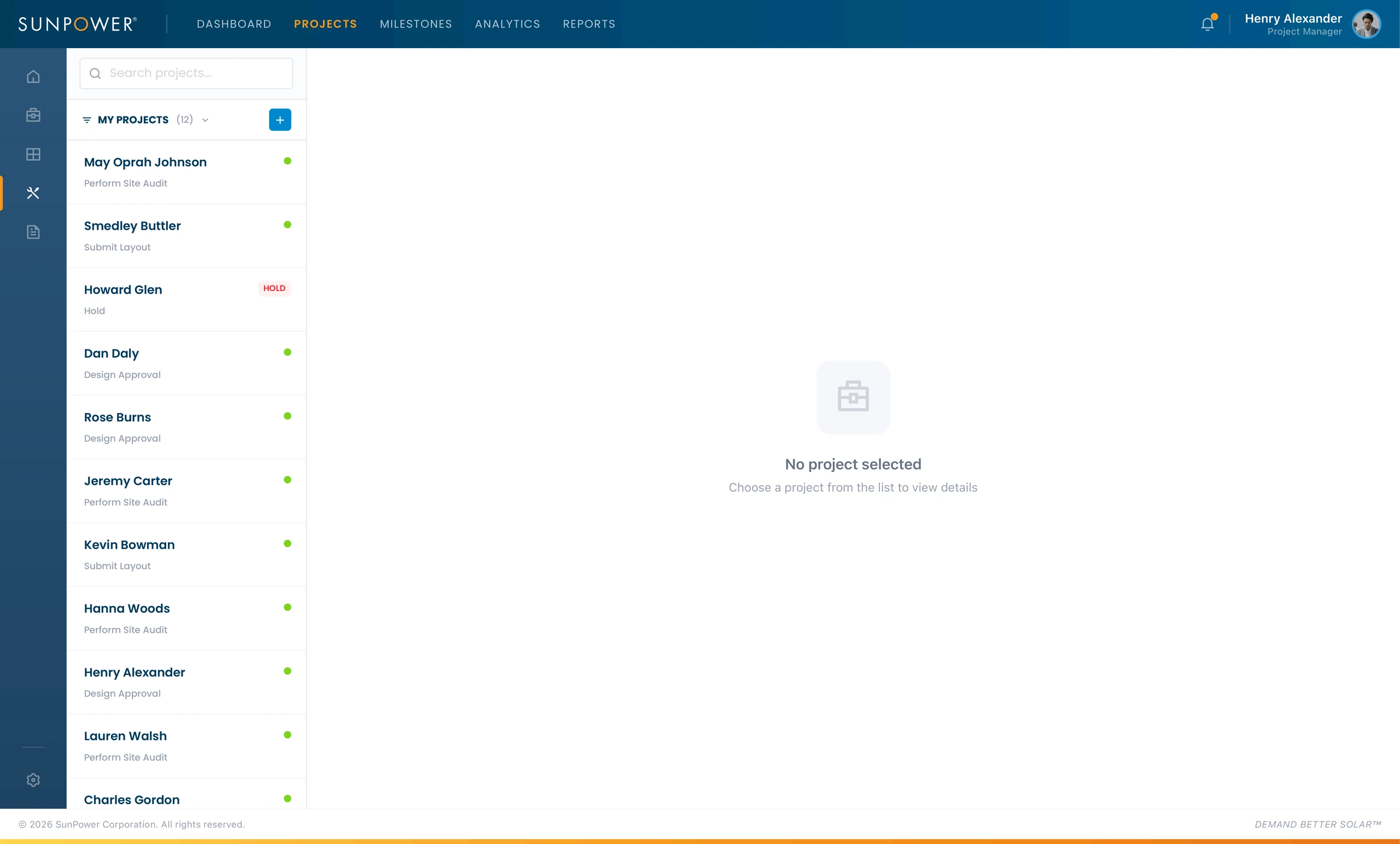
This gave PMs a lightweight operational dashboard. Instead of starting from a blank system or hunting through records, they could immediately see which projects needed attention.
Centralizing project communication
A major part of residential project work was conversational. Teams needed to coordinate around holds, site concerns, structural reviews, customer communication, and installation readiness.
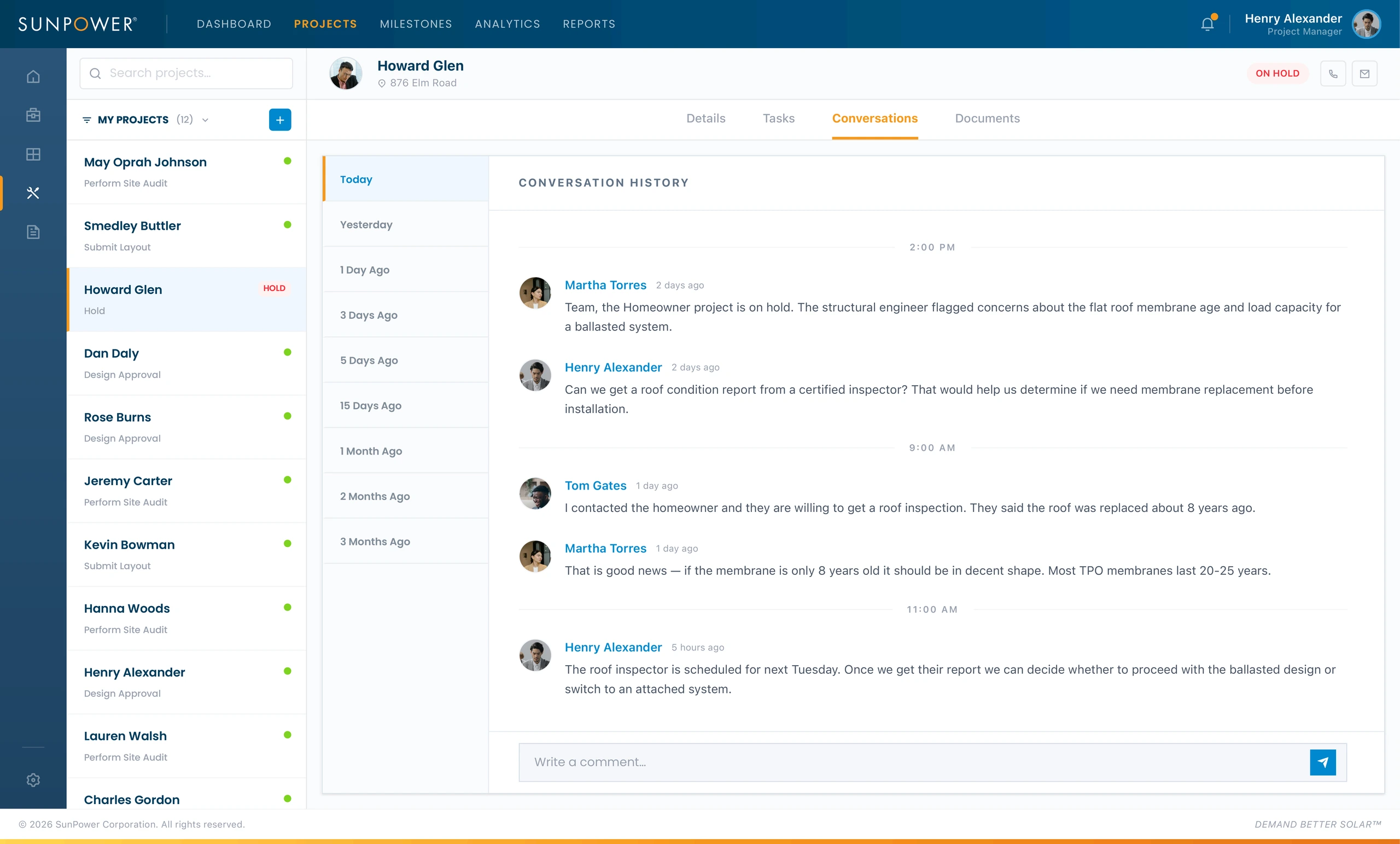
The conversation view made project context easier to recover. PMs could see why a project was on hold, what had been discussed, who responded, and what decision was pending.
This helped reduce the risk of losing critical project details across email threads or informal messages.
Consolidating project details into one view
The details view brought together the information PMs needed to understand the project’s current state.
It showed installation type, account owner, customer type, status, site details, system details, utility information, roof conditions, panel quantity, inverter type, and other operational data.
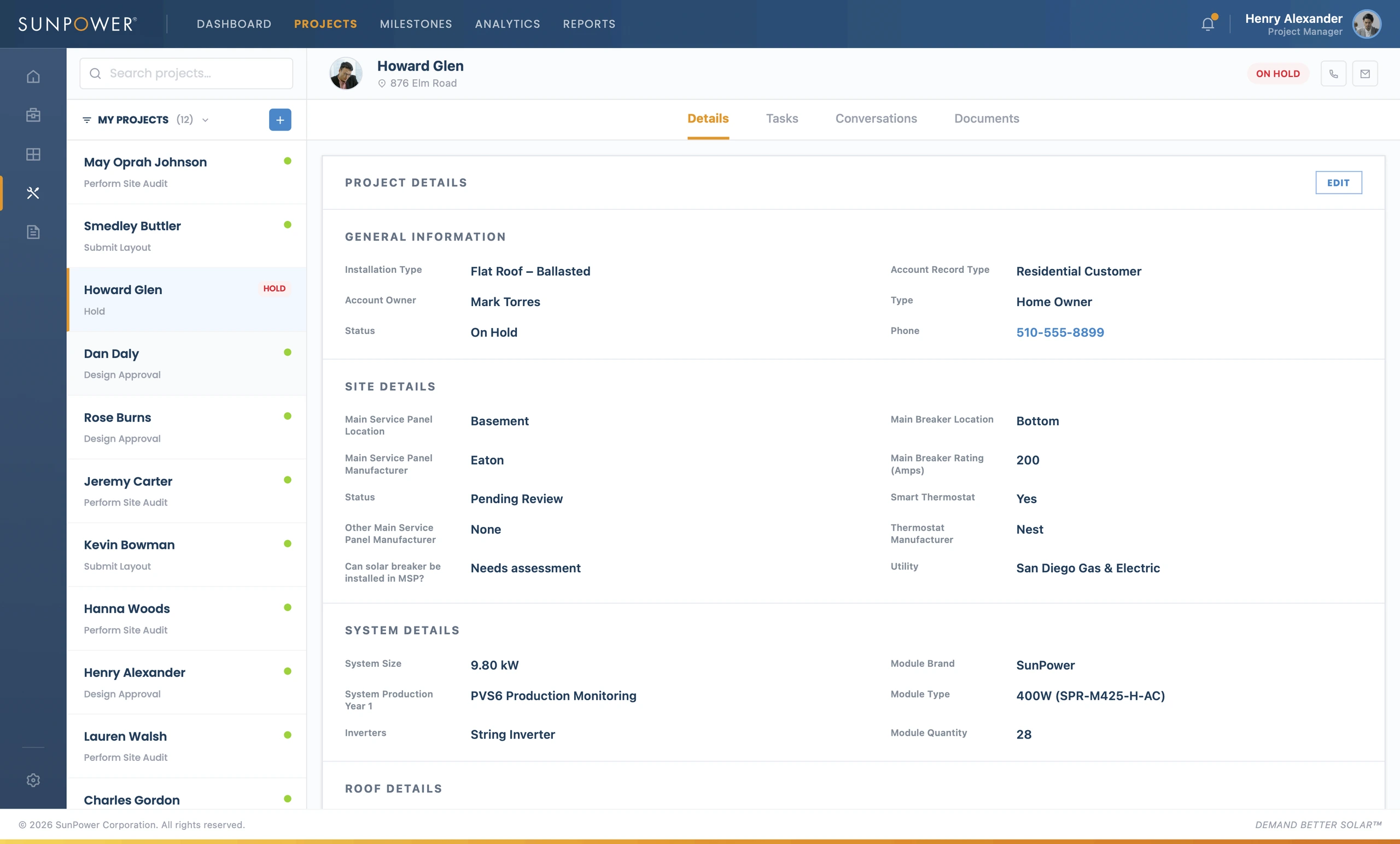
This mattered because PM decisions depended on context. A hold was not just a status label. It could relate to roof conditions, structural concerns, utility details, missing documents, or installation constraints.
The interface helped PMs see the relationship between project facts and the work required to move the project forward.
Turning holds into actionable task workflows
The task view was one of the most important parts of the system. It turned ambiguous project issues into assigned, trackable work.
A PM could see the task name, description, assignee, start date, end date, SLA status, SLA aging, task status, subtasks, and attachments.
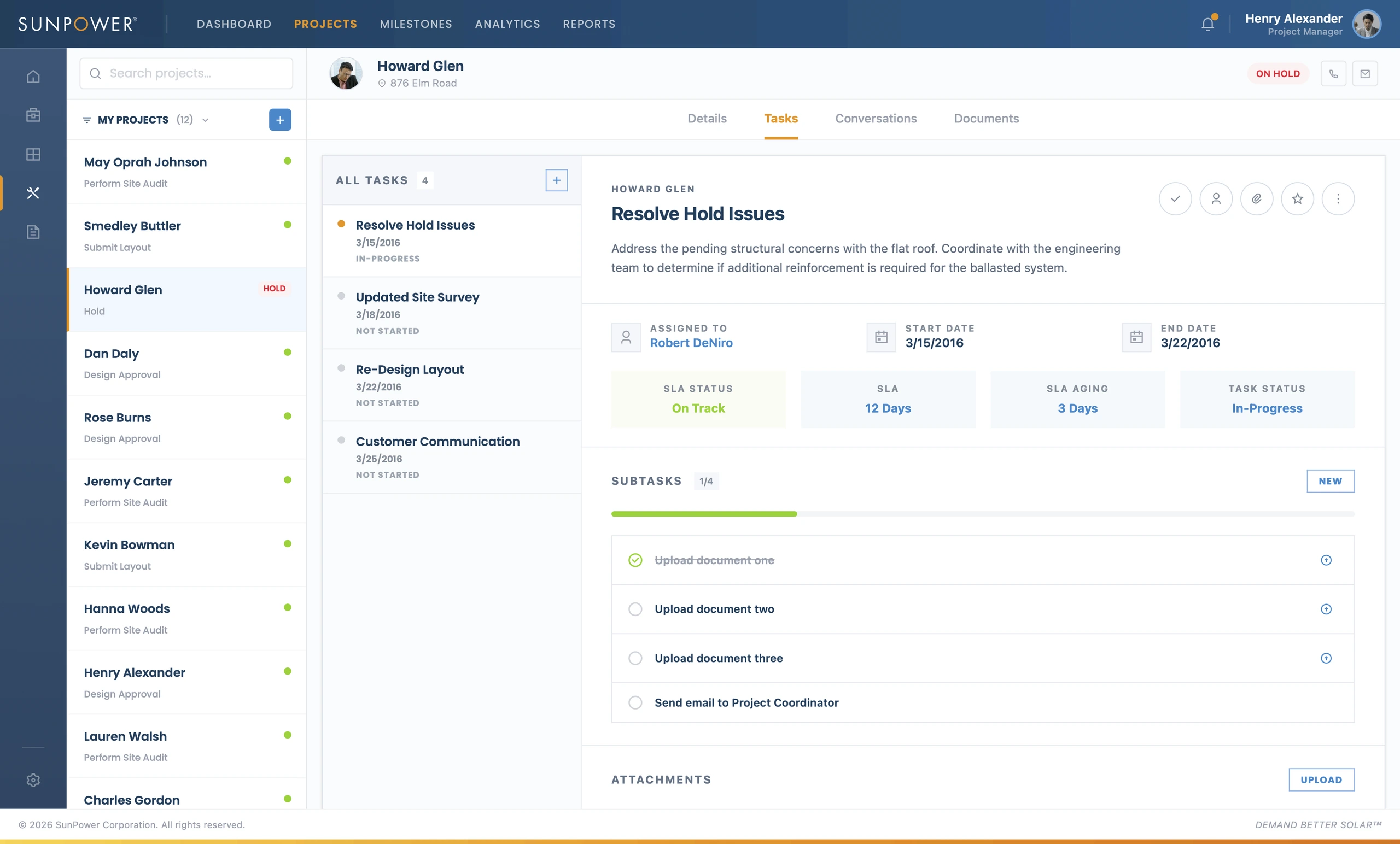
This changed the workflow from “someone needs to follow up” to “this issue has an owner, due date, status, and next steps.”
The subtasks made progress visible. The attachment area connected supporting documentation directly to the work being resolved.
Keeping project documents close to the work
Residential solar projects depend on documentation: flat roof assessments, structural reports, membrane inspections, design files, hold notes, and other evidence.
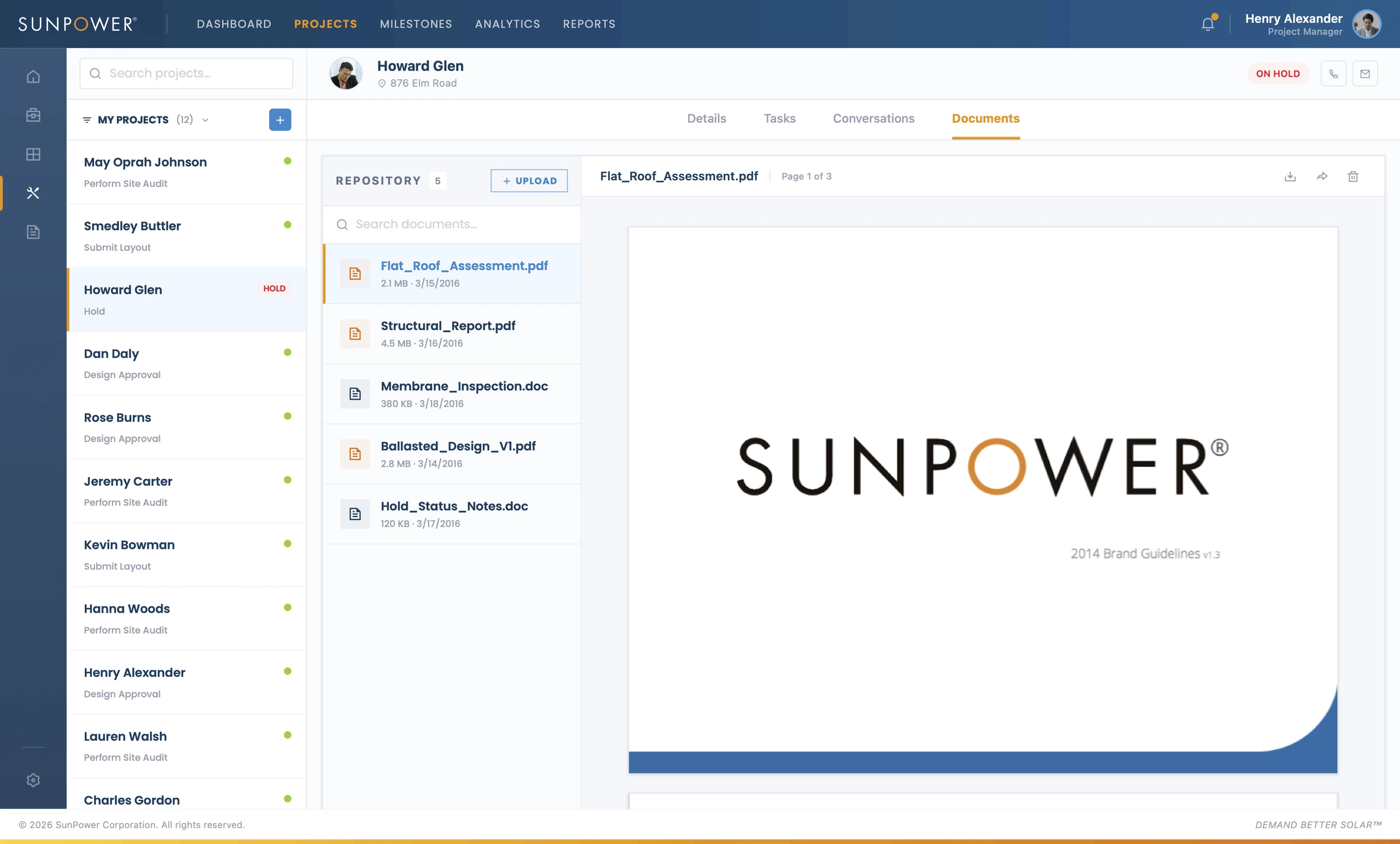
The document repository kept those artifacts inside the project workspace. PMs could review uploaded files, inspect supporting reports, and connect documentation to the project’s status.
This reduced the need to search through external folders, email attachments, or disconnected document systems.
Supporting team assignment when work changed hands
Some issues required routing work to another team member. Assignment controls helped PMs transfer responsibility without losing task context.
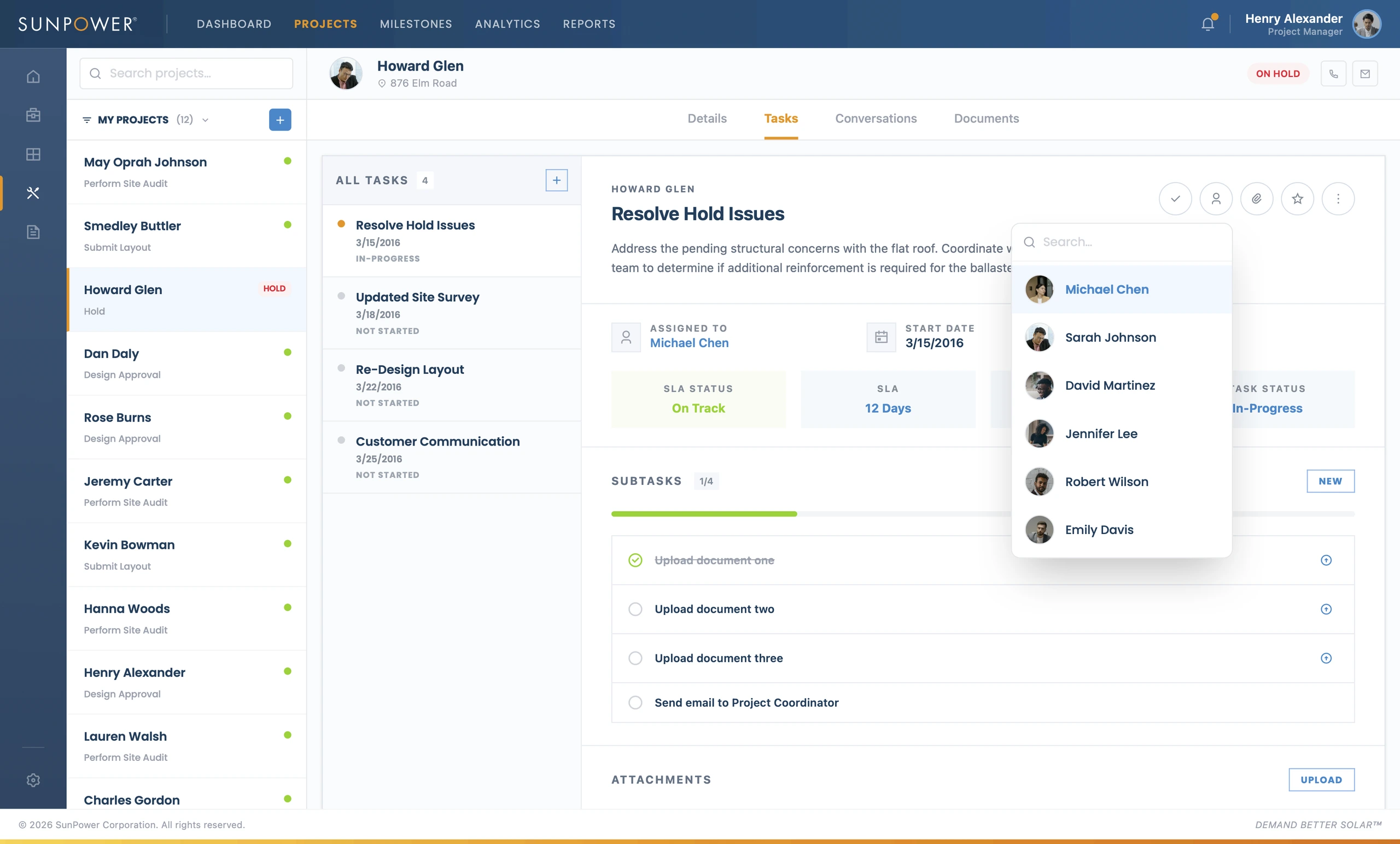
This supported the reality of residential operations. PMs did not work alone. They needed to coordinate with structural reviewers, project coordinators, installation teams, customer-facing teams, and document owners.
Related Projects
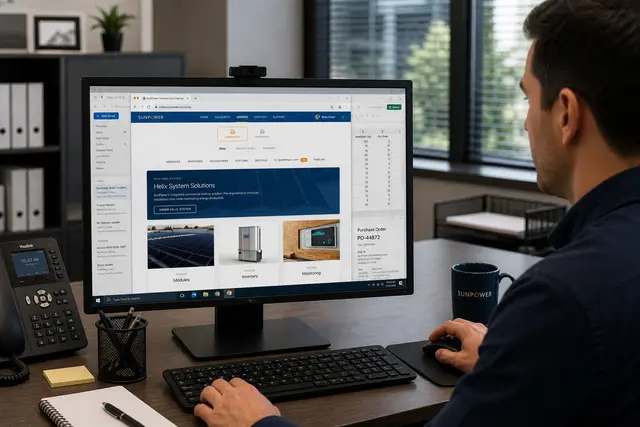
Commercial Ordering System
A redesigned commercial ordering workflow that turned complex solar BOMs into faster, reusable de...
Energy & Climate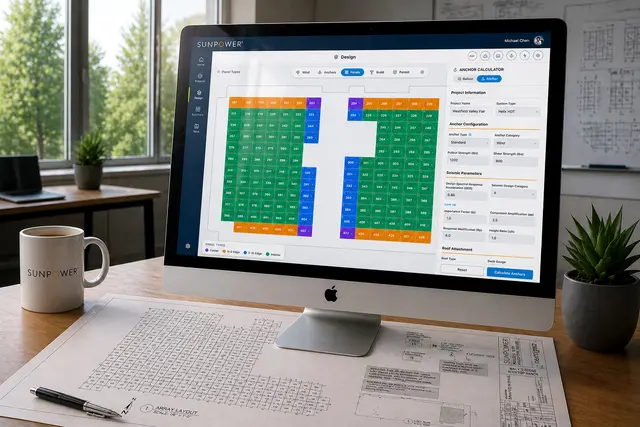
Helix Calculator
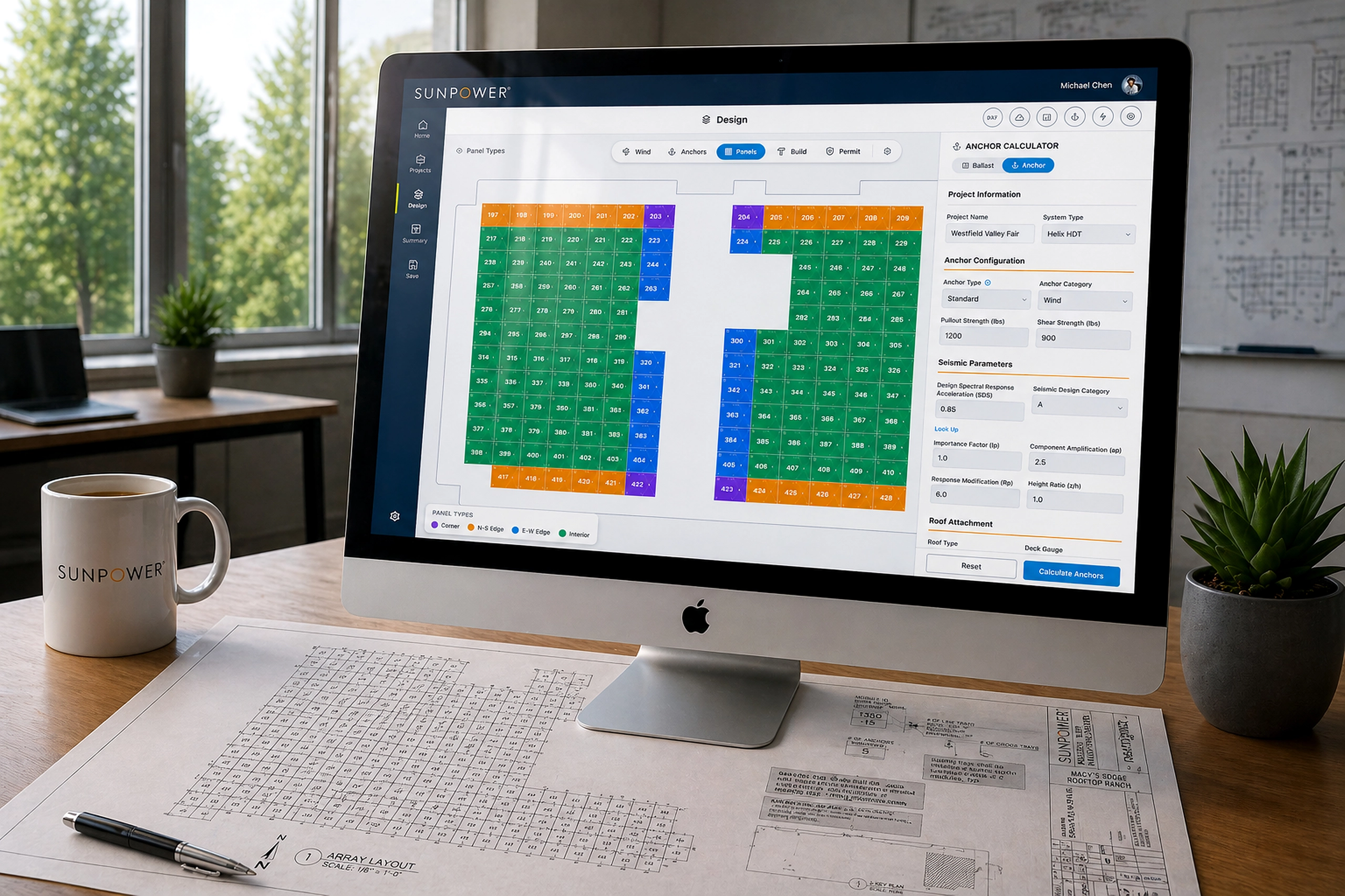
A CAD-like commercial solar design tool that helped dealers create accurate rooftop layouts in mi...
Energy & Climate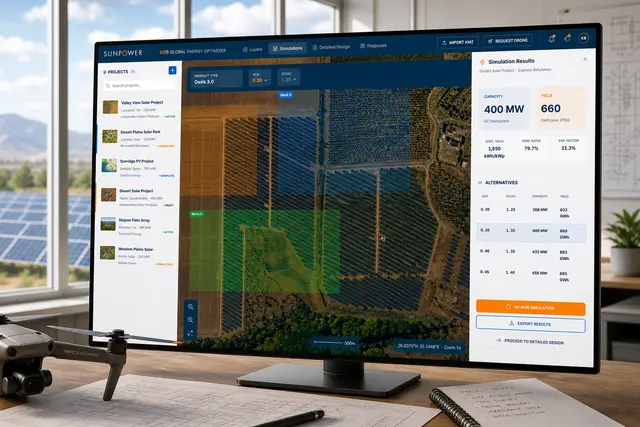
GEO – Global Energy Optimizer
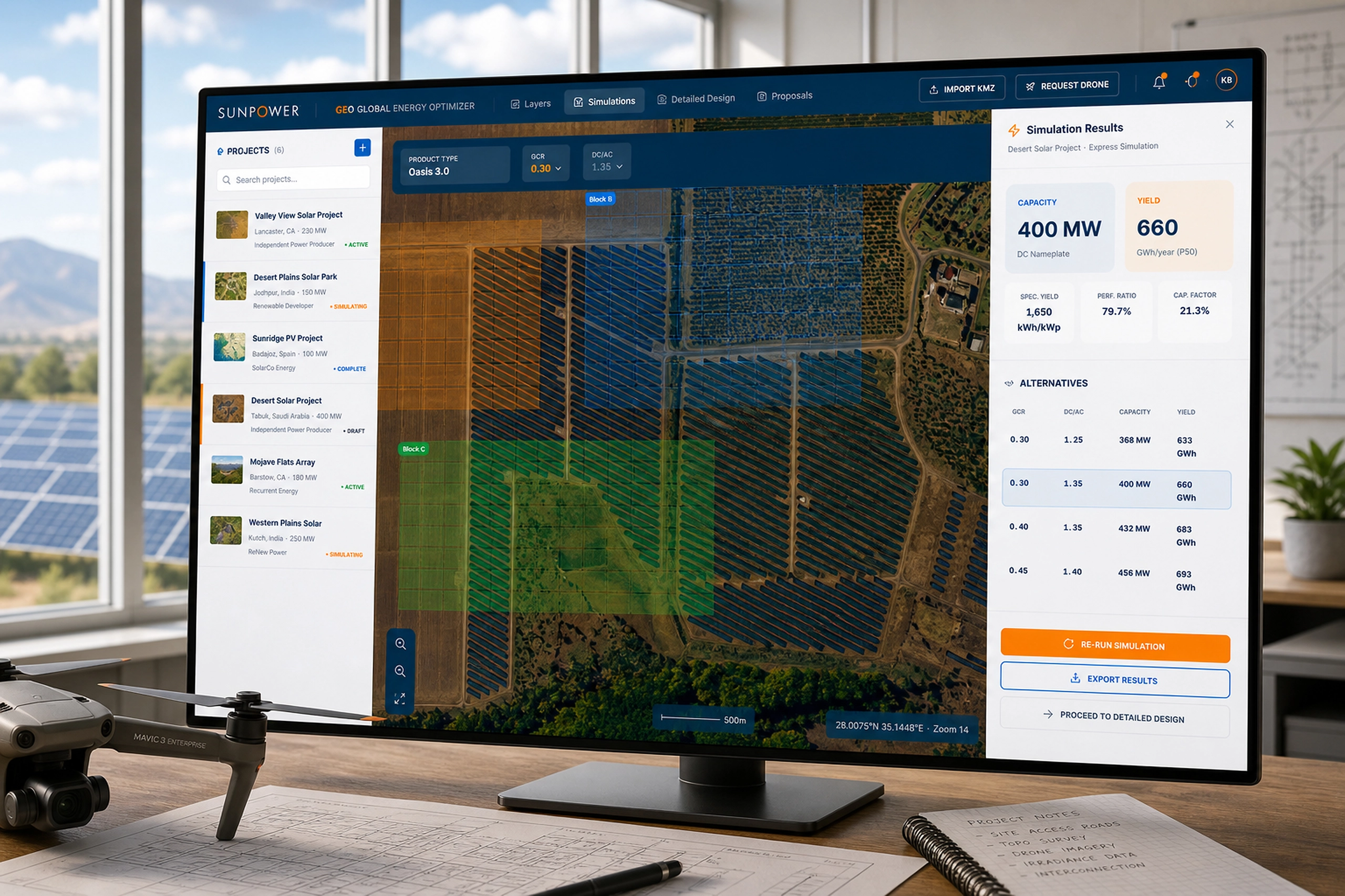
A geospatial solar planning platform for defining sites, simulating layouts, optimizing system pa...
Energy & Climate