
Clients & Ventures

Product/systems design that turns AI tech into business results
















Contact Us
Contact form or information will go here.
Project Detail


Dealer Portal
Summary

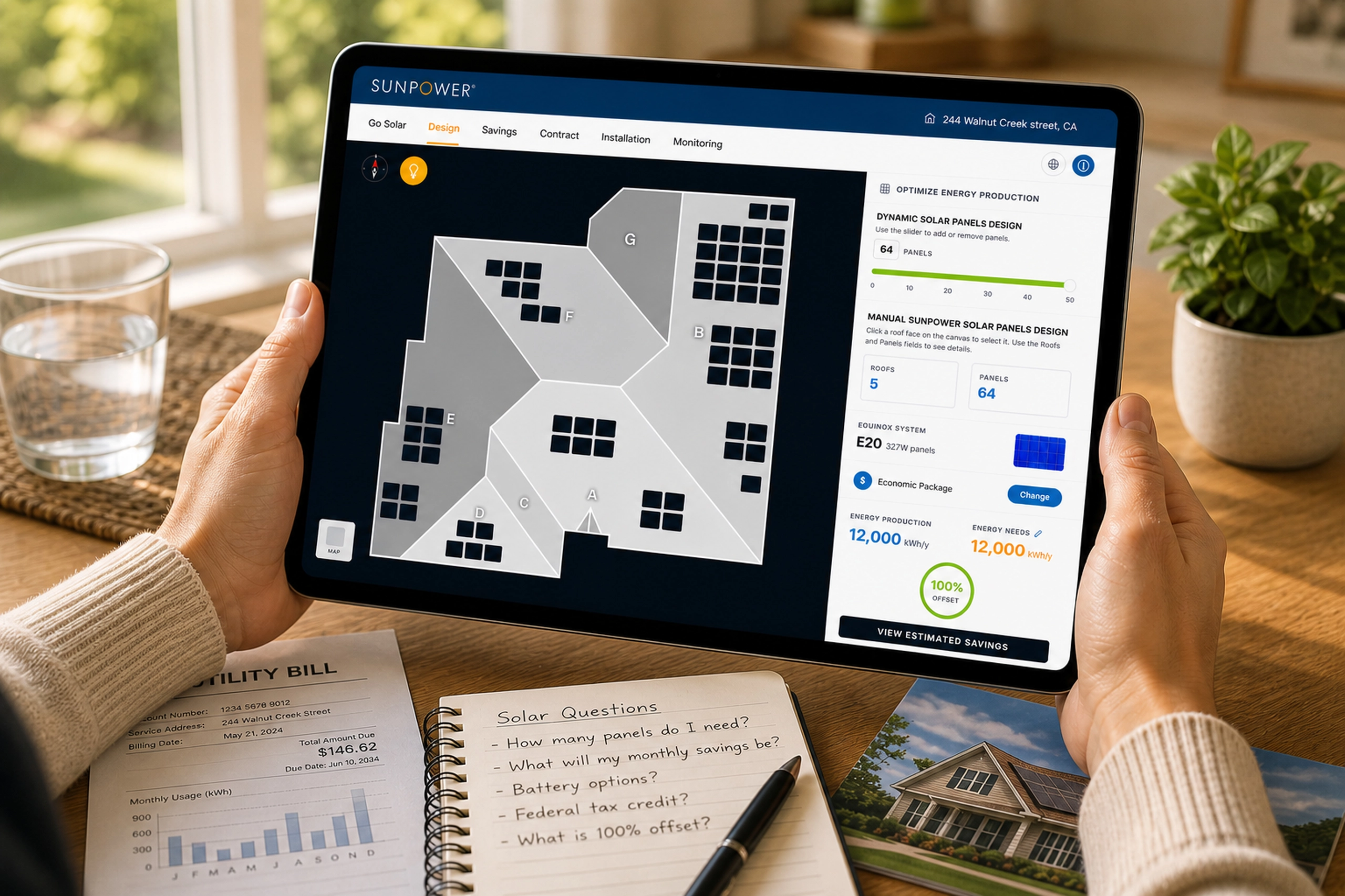
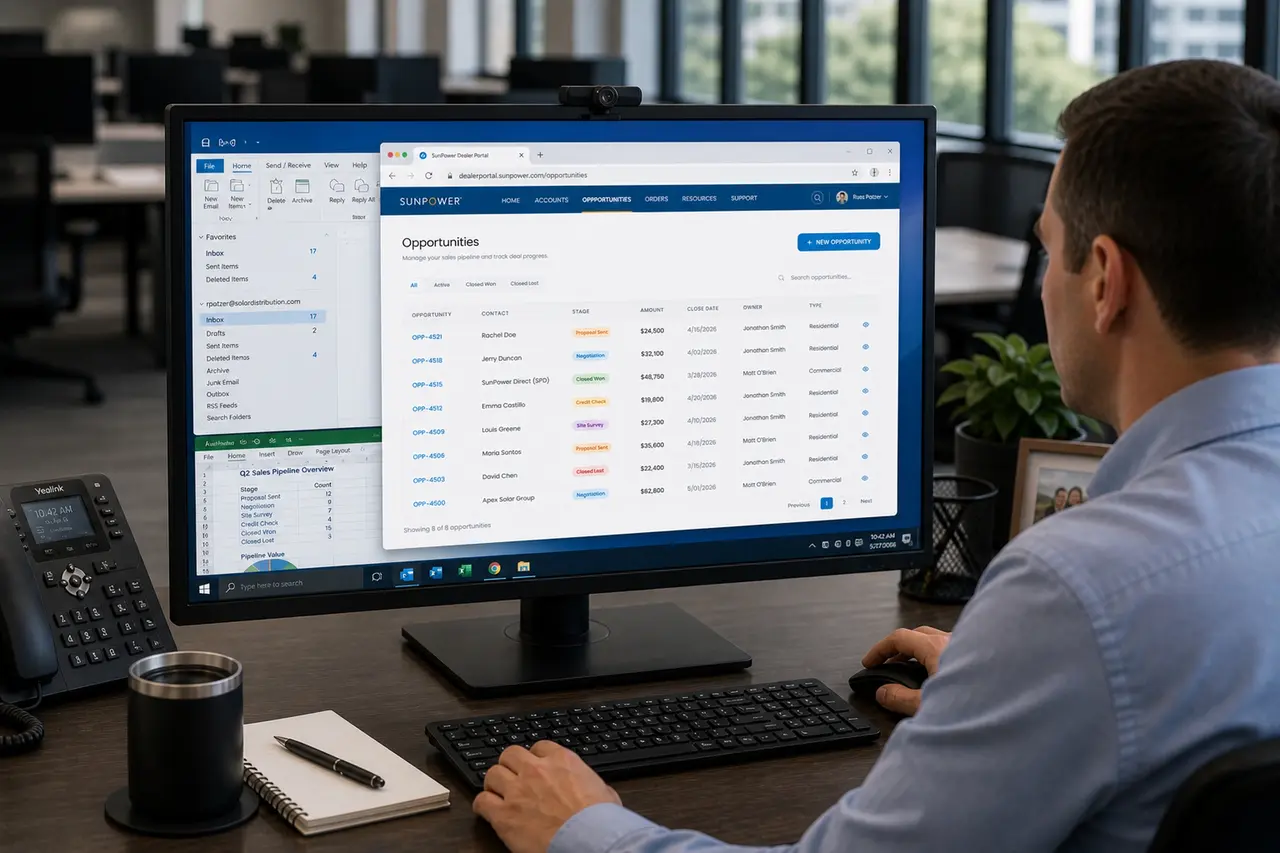
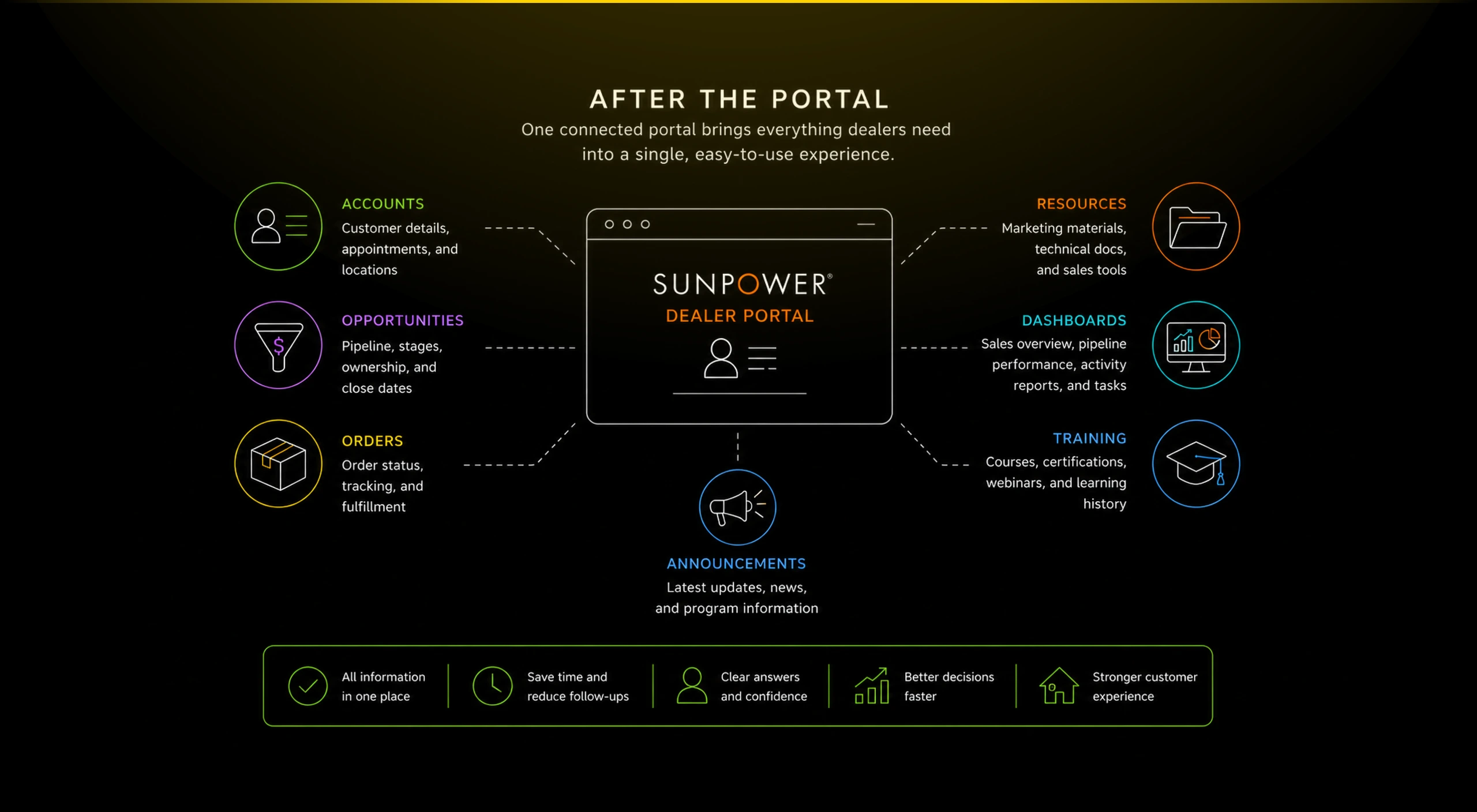
A centralized dealer portal that connected announcements, accounts, opportunities, orders, resources, training, and sales operations.
SunPower dealers had to manage sales, accounts, resources, orders, training, and customer follow-up across fragmented tools and scattered information sources.
I helped design a centralized dealer portal that gave partners one place to manage pipeline activity, customer records, equipment orders, resources, and daily operational context.
Outcome
The portal made dealer work easier to navigate and easier to trust.
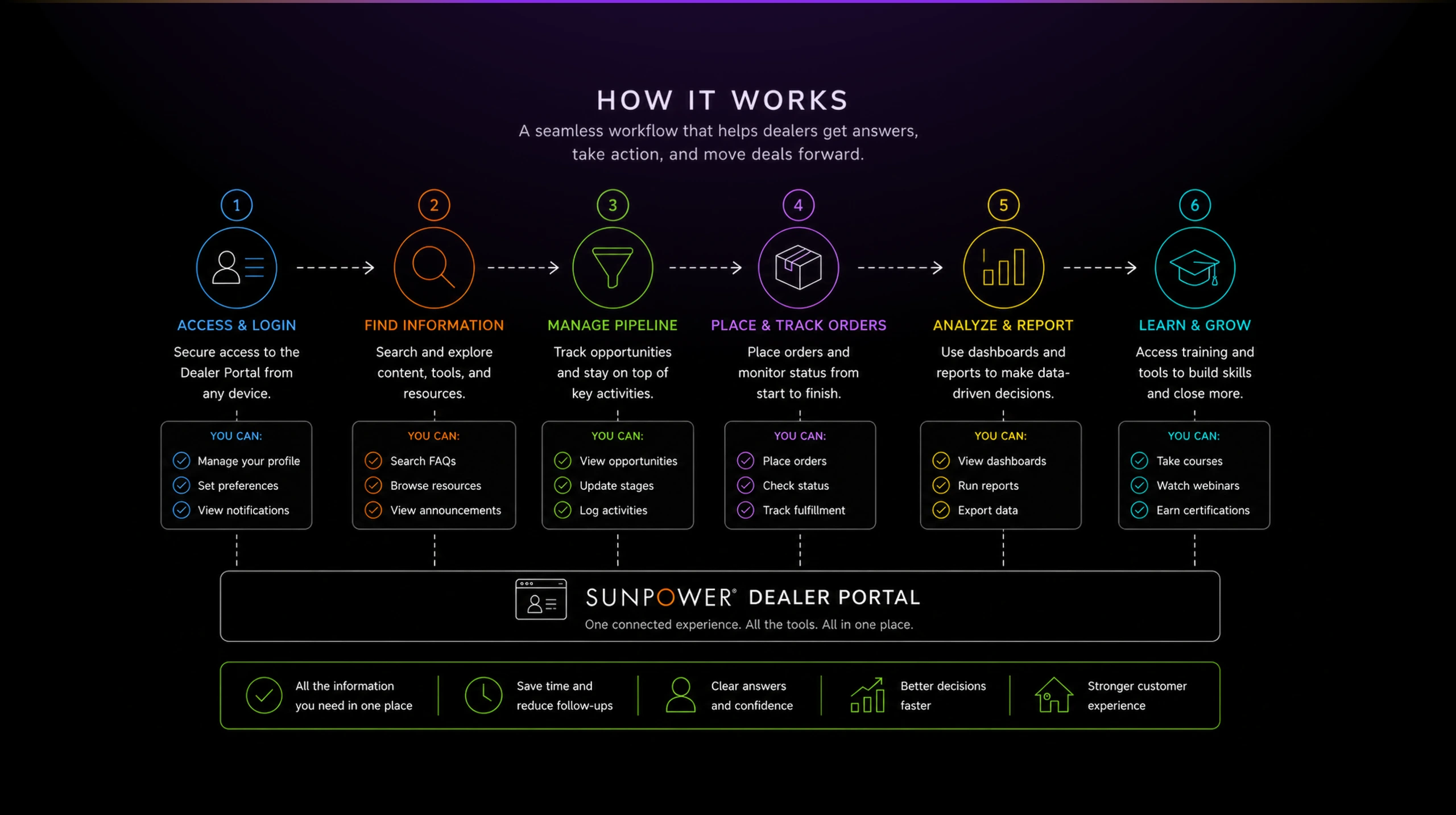
The Dealer Portal gave SunPower partners a clearer operating layer for daily sales and account work. It reduced the feeling of fragmentation by bringing key dealer workflows into one branded, structured experience.
Estimated impact based on project context:
- Faster access to daily dealer information
- Clearer account and opportunity management
- Better visibility into orders and fulfillment
- Easier access to training, marketing, and technical resources
- Reduced dependency on scattered links and manual follow-up
- Stronger continuity across the dealer sales ecosystem
The project was important because it treated the dealer experience as a product ecosystem, not a single workflow. It connected the everyday tools dealers needed into a more coherent operating environment.
The Problem
Dealers were selling solar through a fragmented operating model.
SunPower’s dealer network needed to move quickly, but their work depended on many different types of information: customer accounts, opportunities, order status, training materials, marketing resources, technical documents, and internal updates.
That work was not naturally contained in one place. Dealers had to jump between systems, documents, emails, internal references, and support channels to understand what needed attention.
The friction was not only about navigation. It affected confidence. When a dealer could not quickly find the latest resource, understand account status, check an order, or track pipeline progress, the experience felt slower and less reliable than the brand behind it.
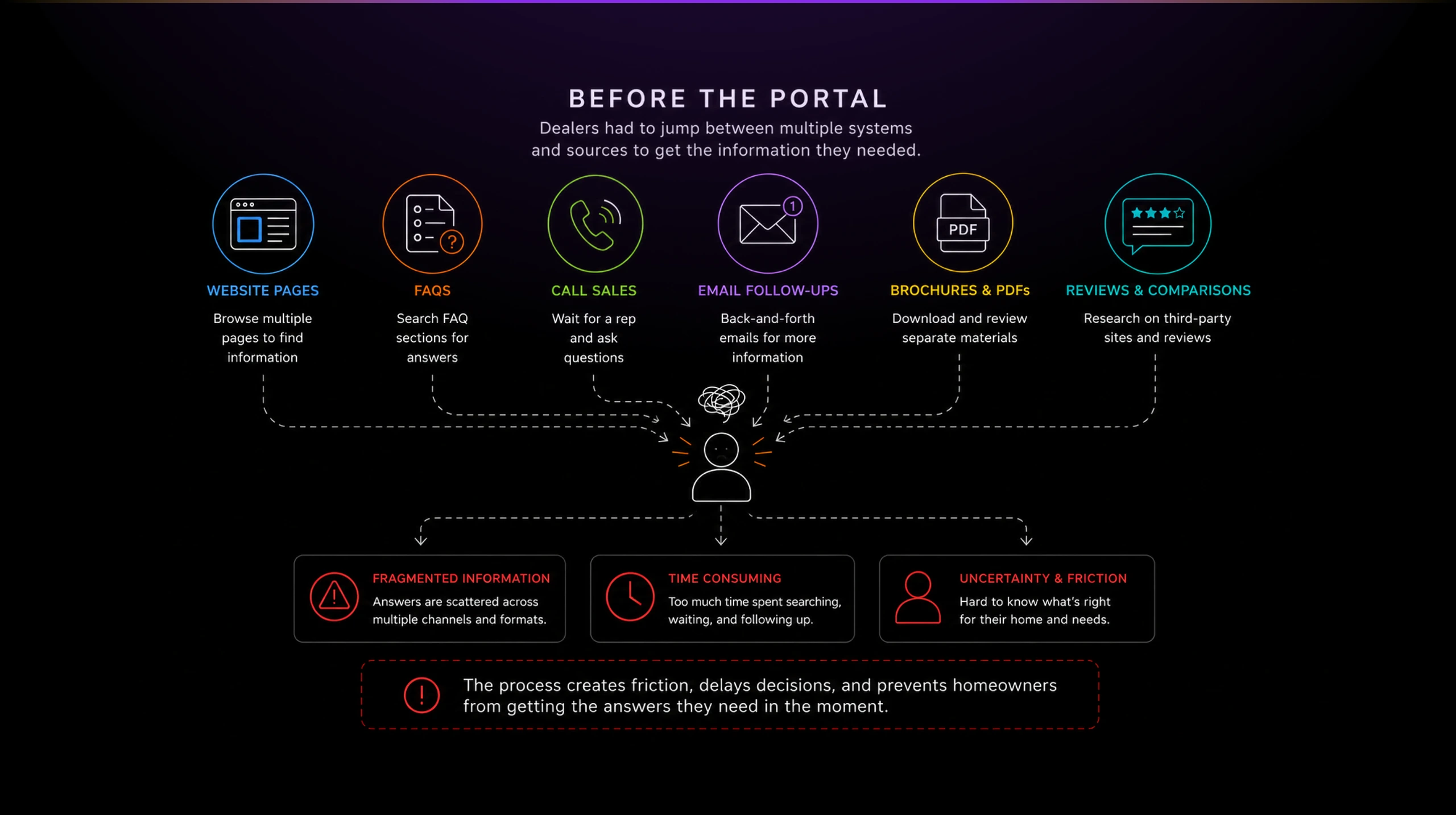
The core problem was that the dealer experience had grown into an ecosystem, but the interface still behaved like a collection of separate tools.
Solution
Designing the portal as a daily dealer workspace.
I approached the Dealer Portal as an operating workspace, not just a set of links.
The home screen needed to answer a practical question: “What should I pay attention to today?” That meant combining announcements, recent items, dashboards, marketing links, training, and useful shortcuts into a page dealers could use as a starting point.
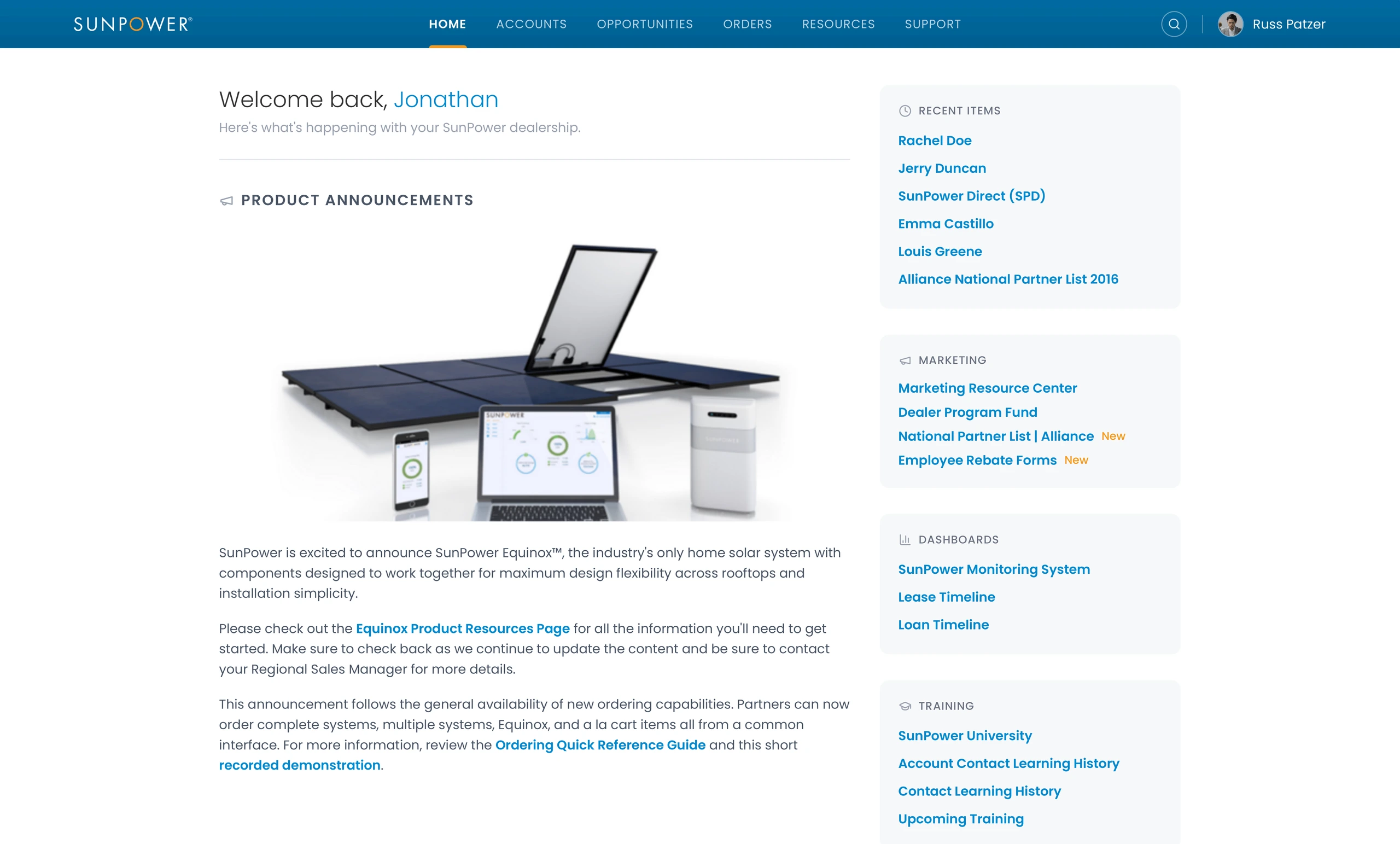
The important design decision was to make the portal feel useful immediately. Product announcements, recent records, marketing resources, dashboards, and training links were all surfaced without requiring the dealer to remember where each item lived.
This helped shift the portal from a static intranet page into a working surface for dealership activity.
Making performance visible without overwhelming the user
Dealers needed visibility into sales activity, but not every user needed a dense analytics tool.
The Sales Overview page translated performance into a few clear signals: active leads, closed deals, quarterly progress, pending versus closed activity, and upcoming tasks.
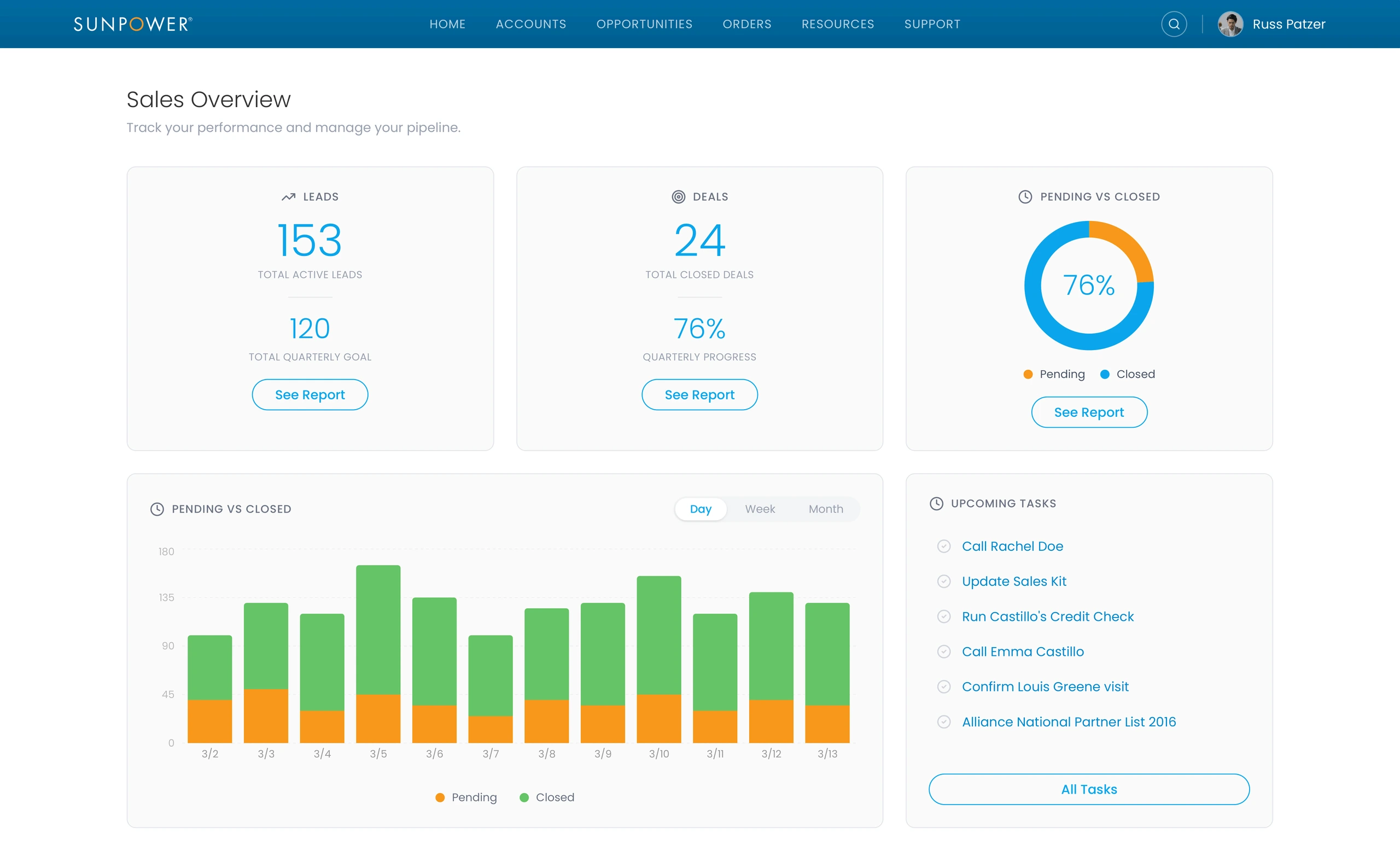
This gave dealers a fast read on momentum. The interface kept the reporting simple enough to scan, while still giving users a path to deeper reports when needed.
Turning account records into usable customer context
Account management was one of the most important portal workflows because it connected sales activity to real customer details.
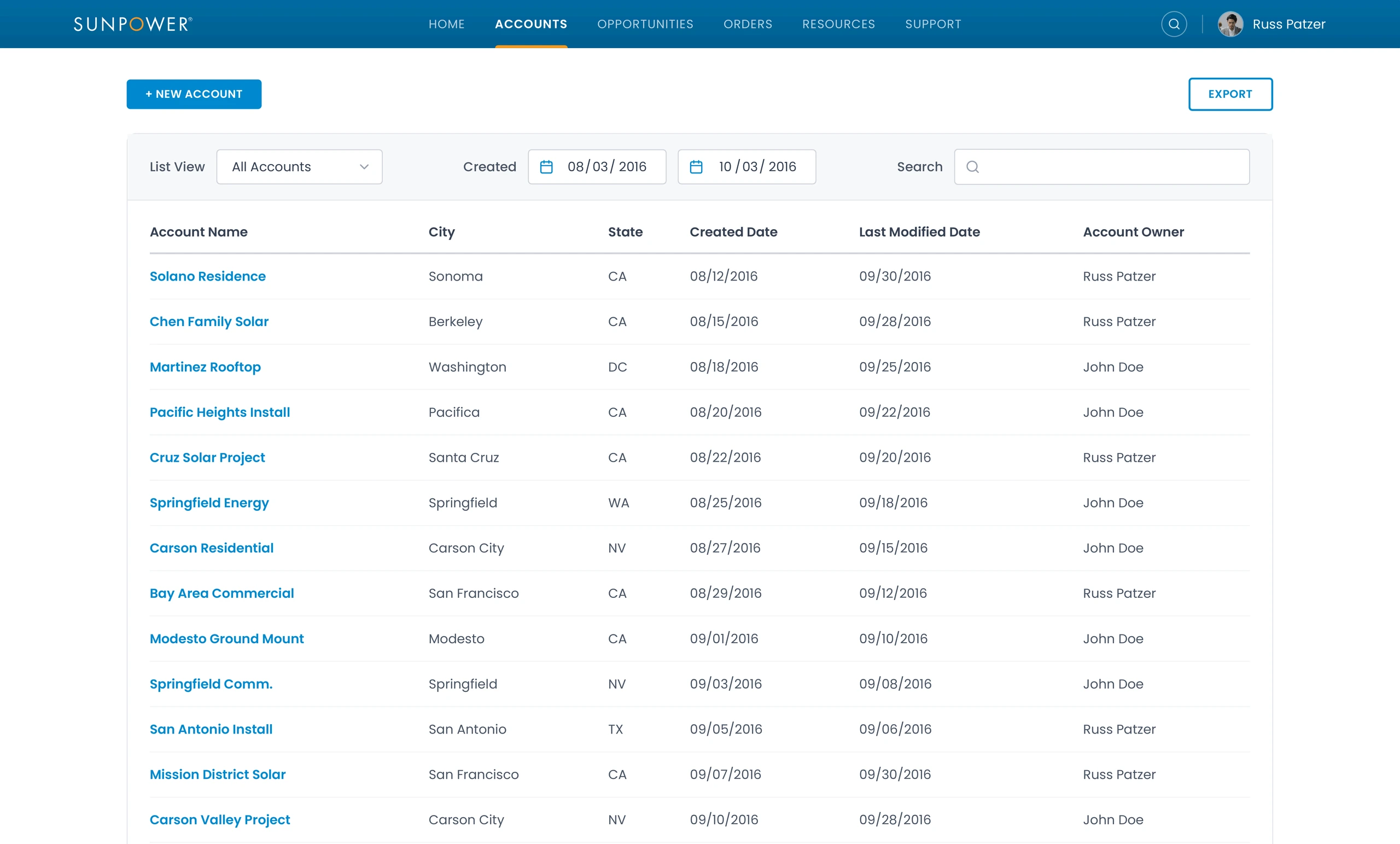
The account list gave dealers a searchable, filterable way to find customer records by name, city, state, date, owner, and other operational details.
The account detail view then brought together the information dealers needed to understand the customer relationship: account owner, status, email, appointment information, address, geolocation, and map context.
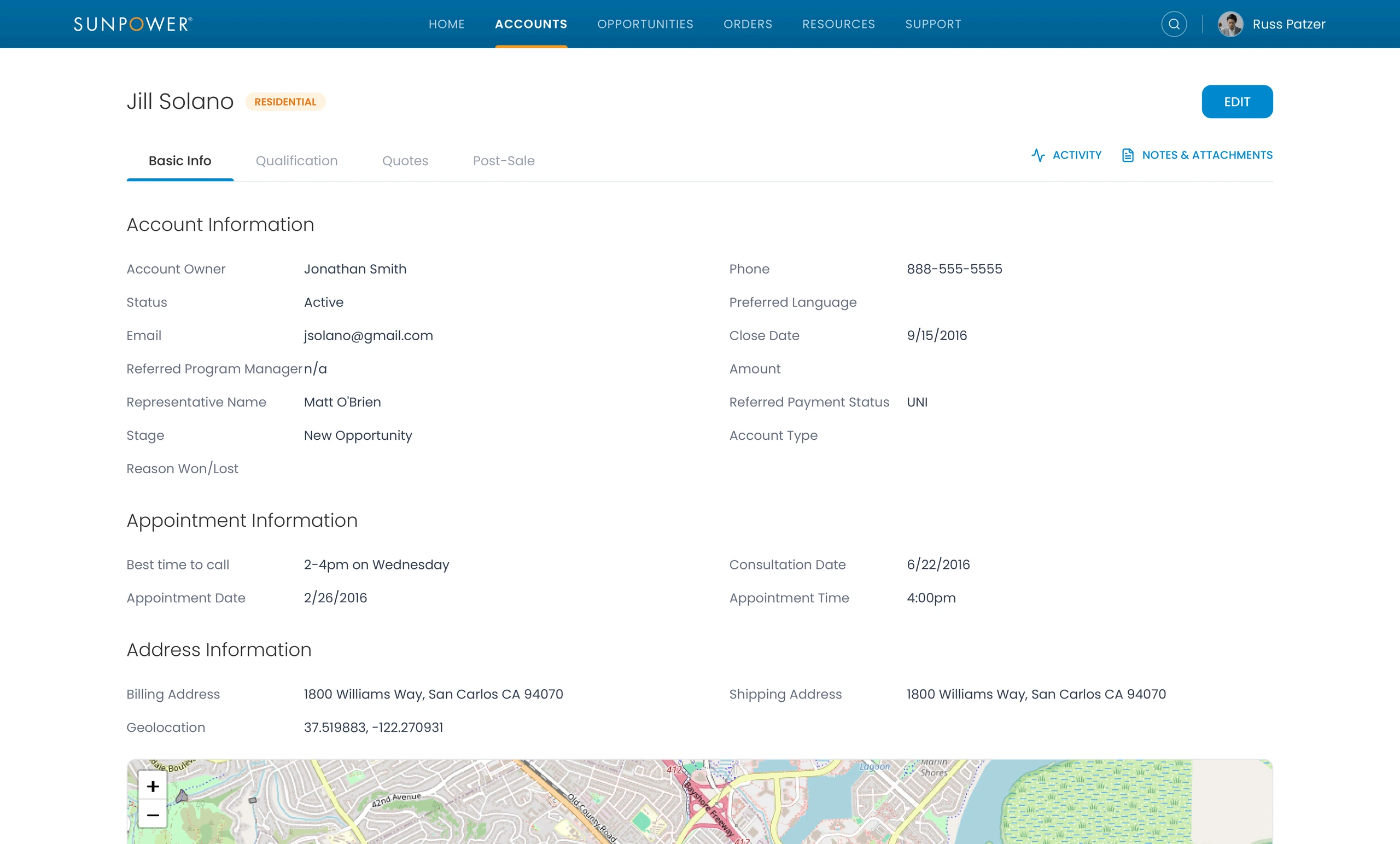
This mattered because dealer work often depends on context that is easy to lose. A customer record is not just a name. It carries sales stage, appointment timing, location, ownership, and follow-up history.
Supporting qualification and post-sale readiness
The qualification flow helped dealers capture whether a lead was ready to move forward.
It included customer motivation, how they heard about SunPower, property type, renovation plans, credit score, legal confirmation, stage, and other fields that shaped the next step.
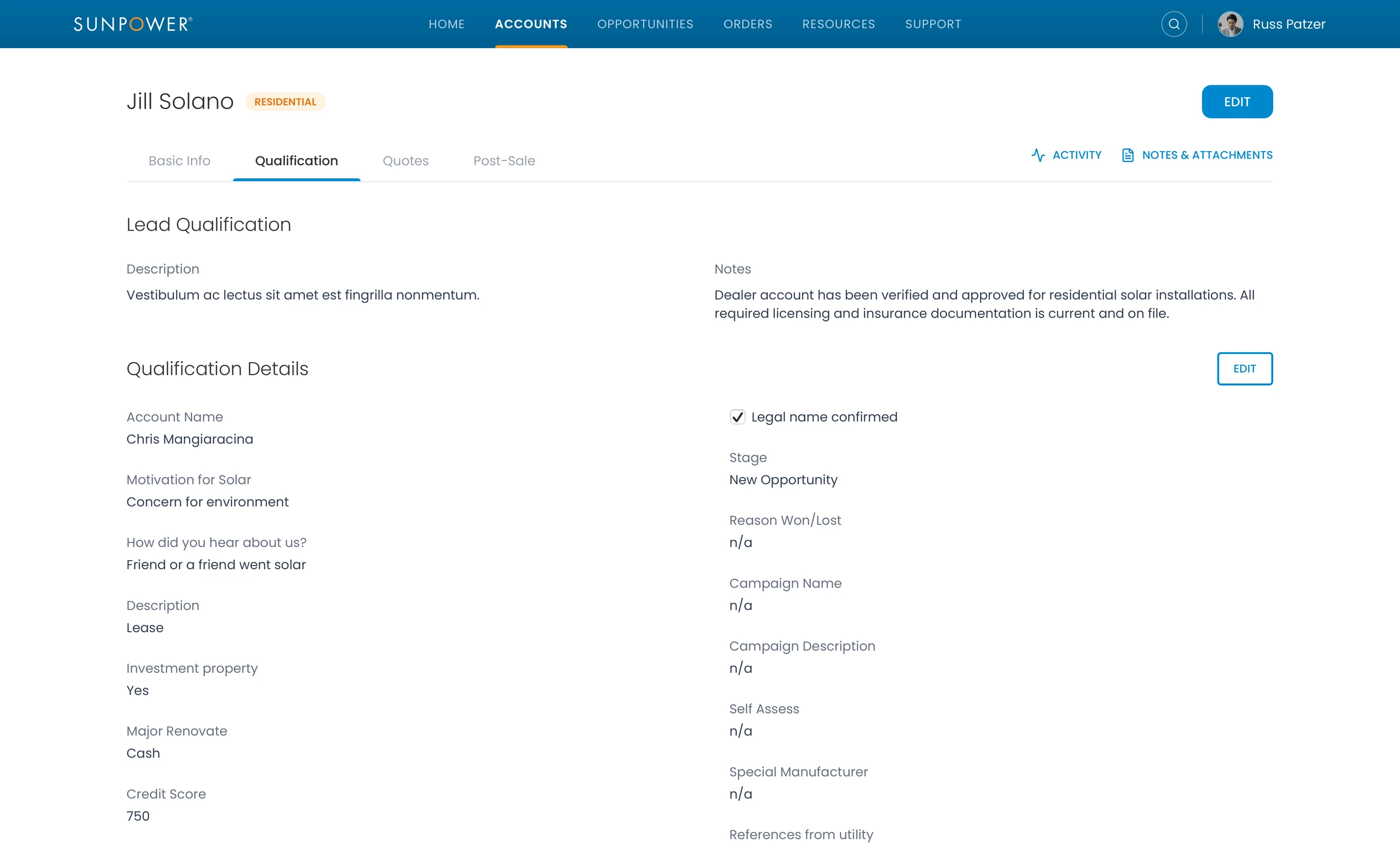
This was not glamorous UI work, but it was important. Qualification screens often determine whether downstream teams receive useful information or messy records that require cleanup.
The interface had to make structured data entry feel manageable while preserving the business logic needed by sales and operations.
Connecting pipeline, orders, and fulfillment visibility
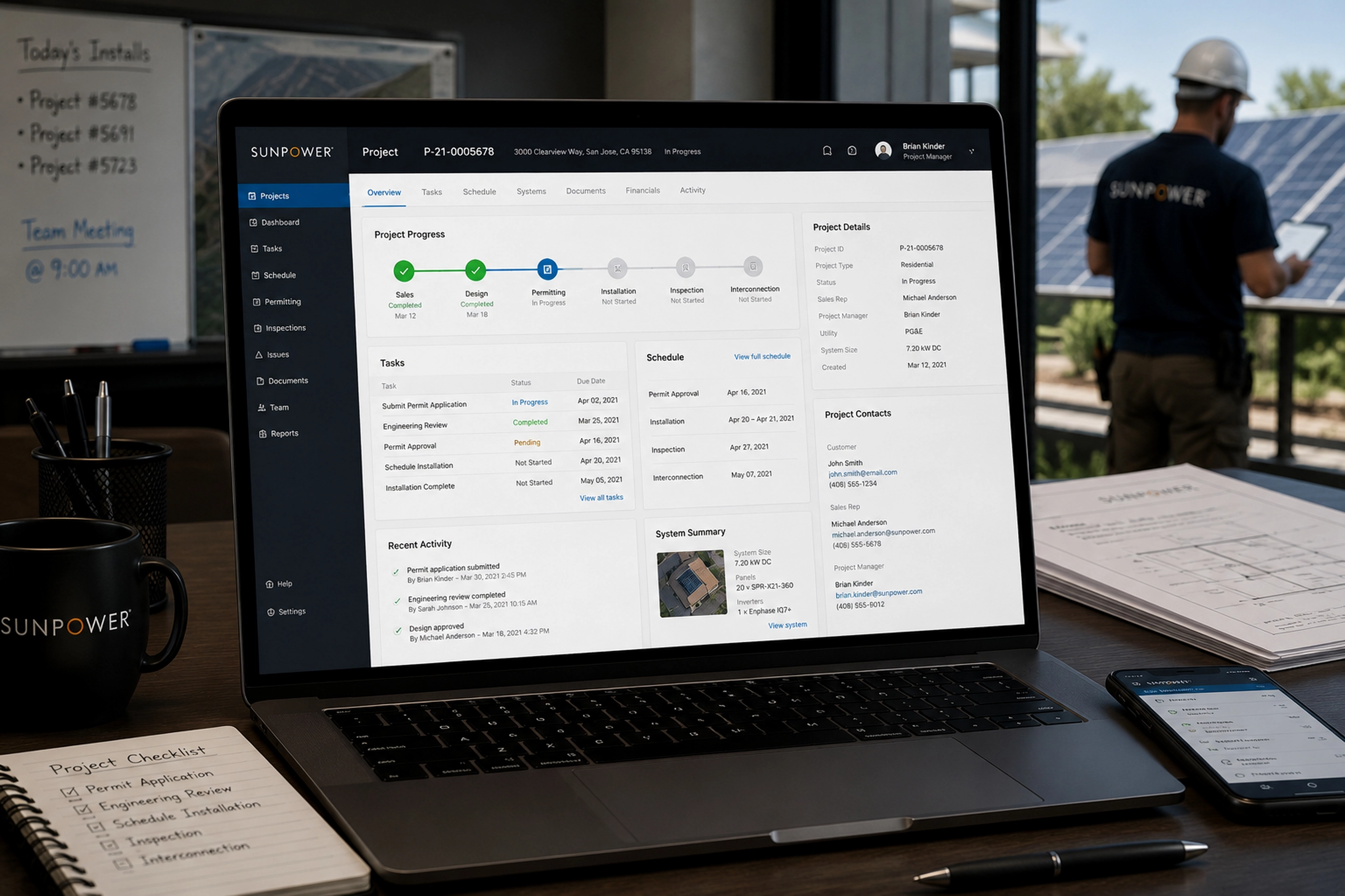
The portal also needed to connect the sales pipeline to the operational work that followed.
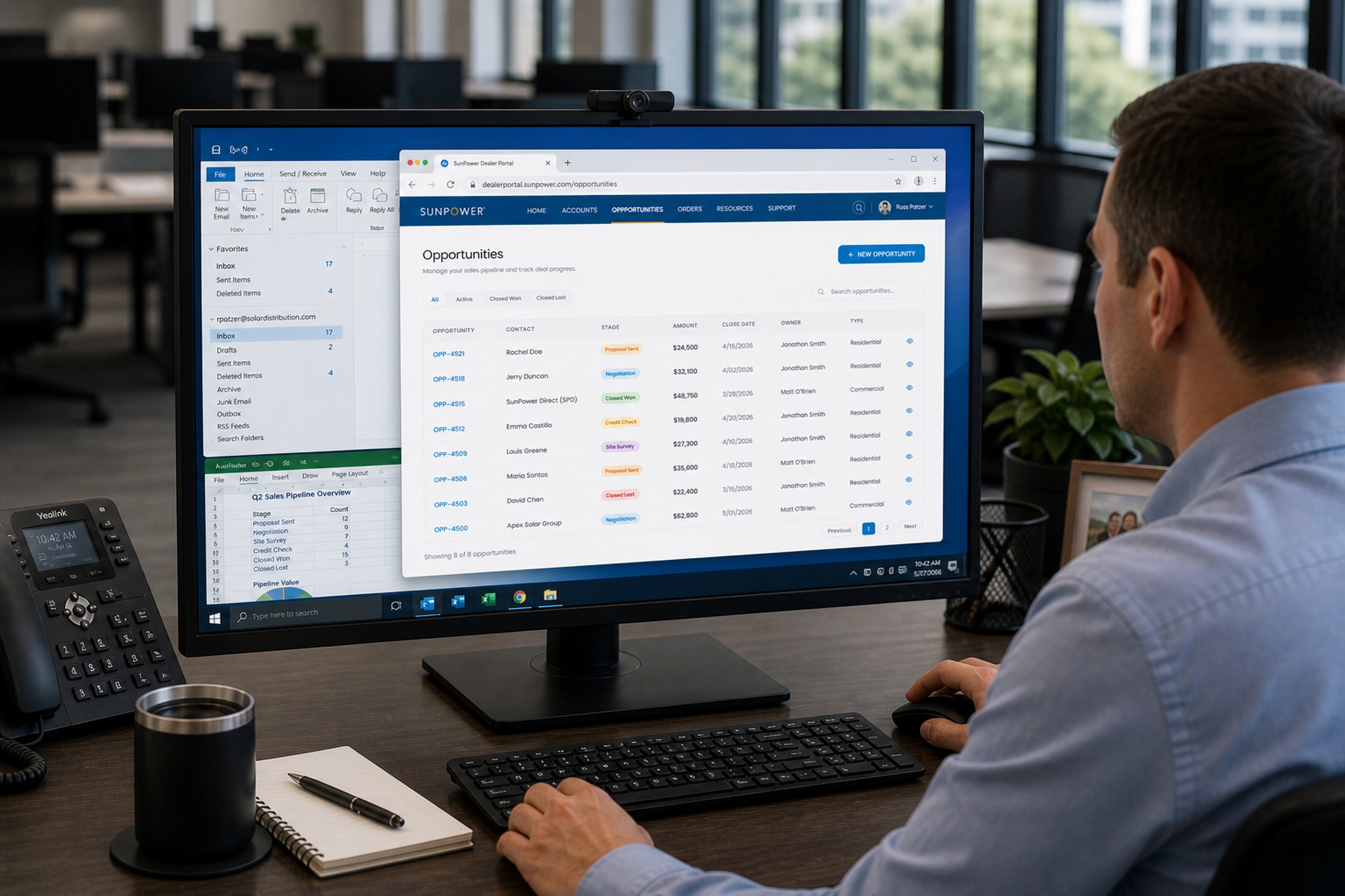
Opportunities gave dealers visibility into deal stage, amount, close date, owner, contact, and account type. This helped sales teams understand what was moving, what was stuck, and what required follow-up.
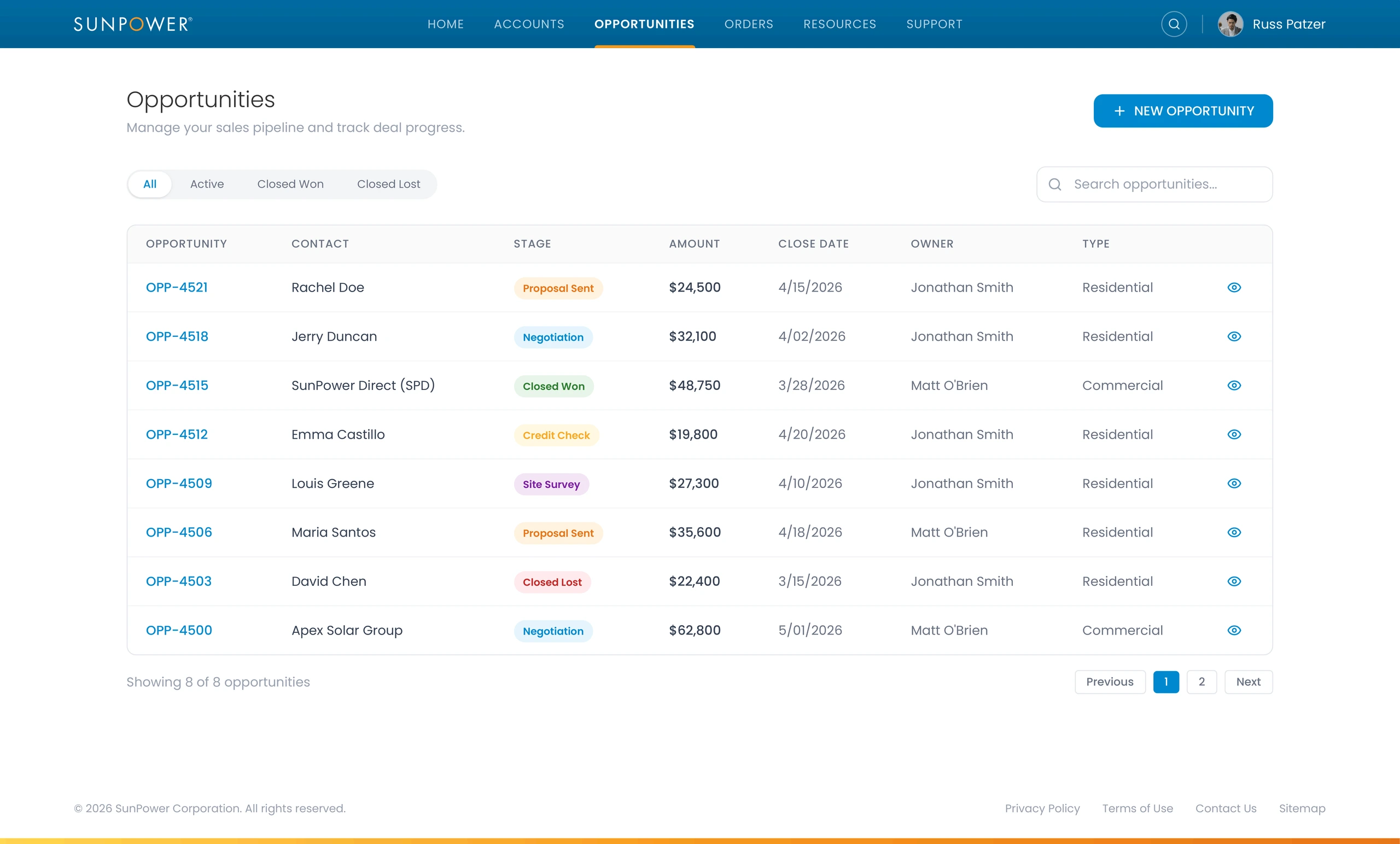
Orders extended that visibility into equipment fulfillment. Dealers could track order counts, processing status, shipped orders, delivered orders, customer names, system details, dates, totals, and tracking information.
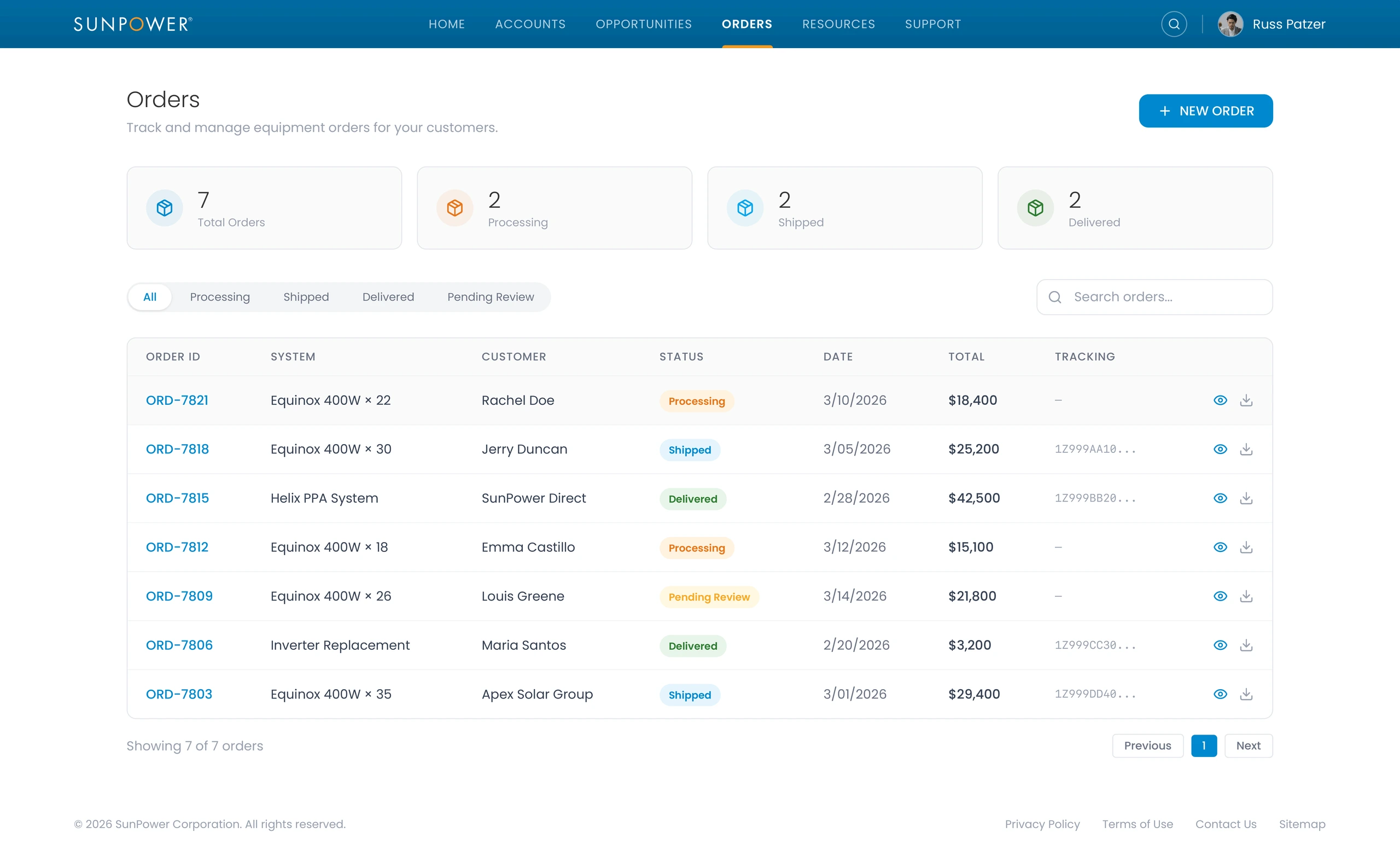
Together, these views helped the portal connect the full commercial rhythm of dealer work: pipeline, customer records, opportunity movement, equipment orders, and follow-through.
Organizing resources around how dealers actually work
A dealer portal also succeeds or fails based on how easy it is to find supporting material.
The resources page grouped technical specifications, dealer program materials, marketing assets, financial products, and software help tutorials into clear visual cards.
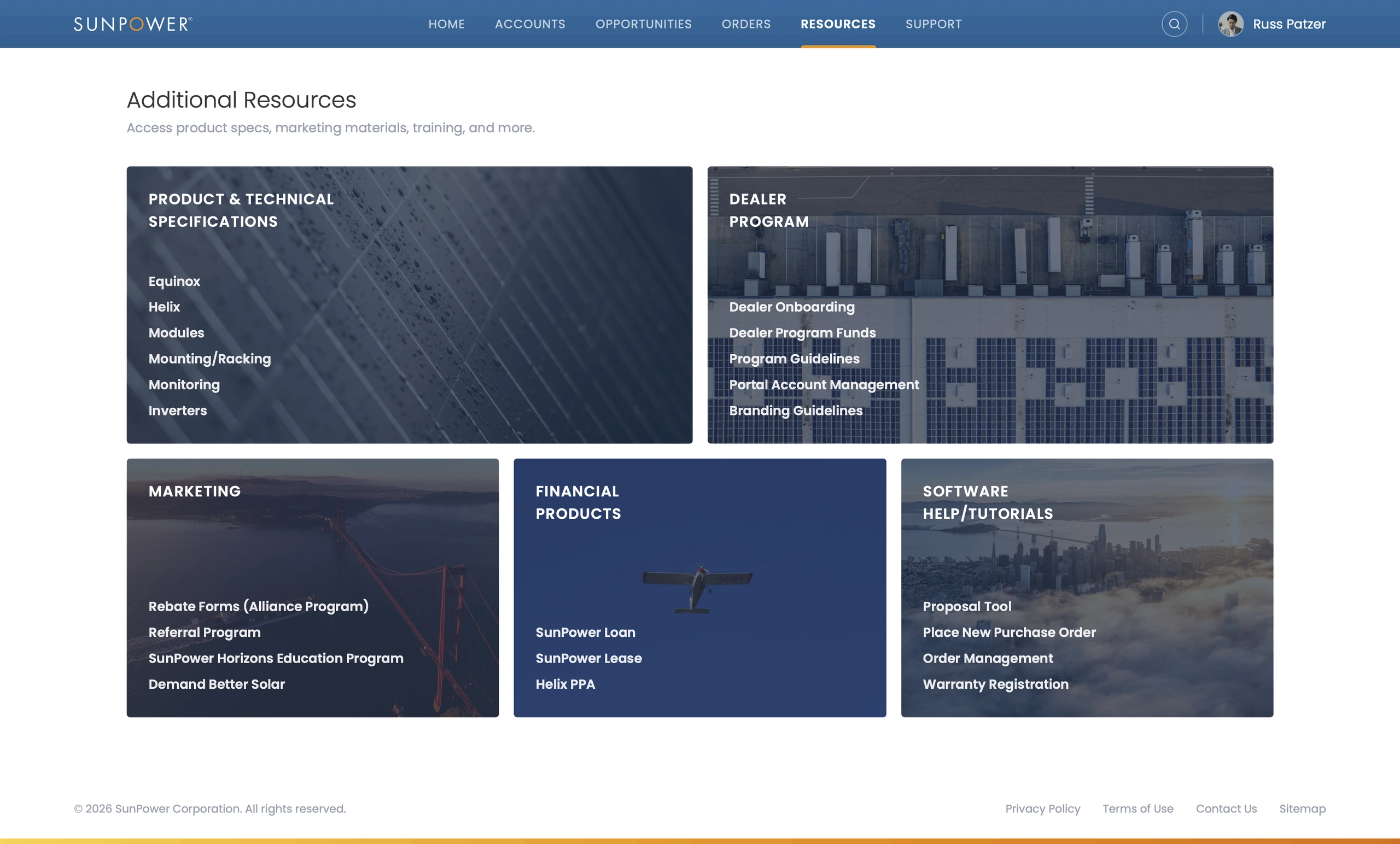
This gave dealers a more reliable way to find the right reference at the right moment. Instead of hunting through scattered links or asking support for common materials, they could navigate by work category.
Related Projects
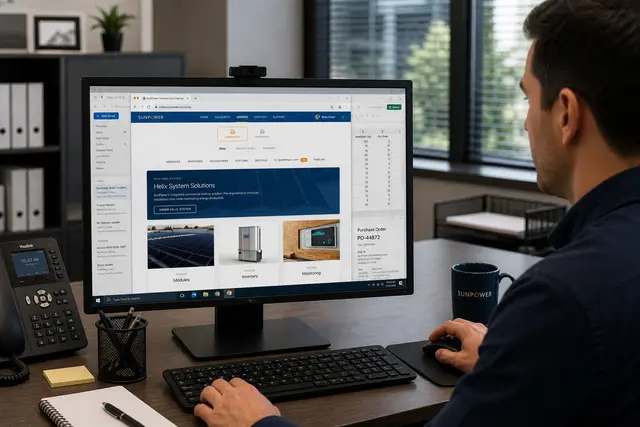
Commercial Ordering System
A redesigned commercial ordering workflow that turned complex solar BOMs into faster, reusable de...
Energy & Climate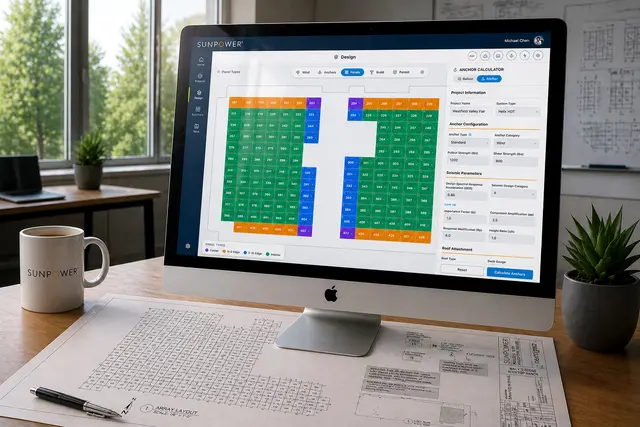
Helix Calculator
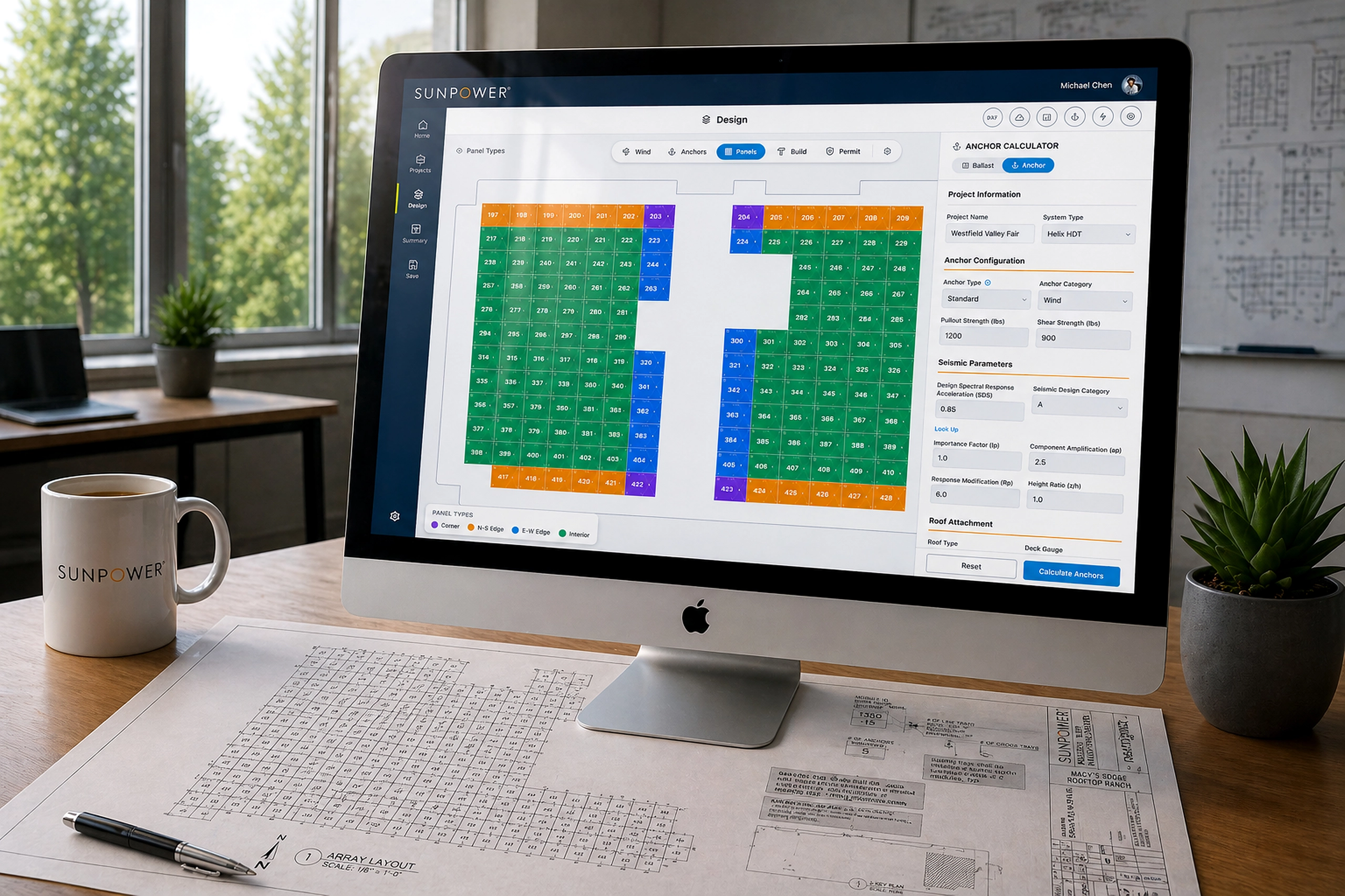
A CAD-like commercial solar design tool that helped dealers create accurate rooftop layouts in mi...
Energy & Climate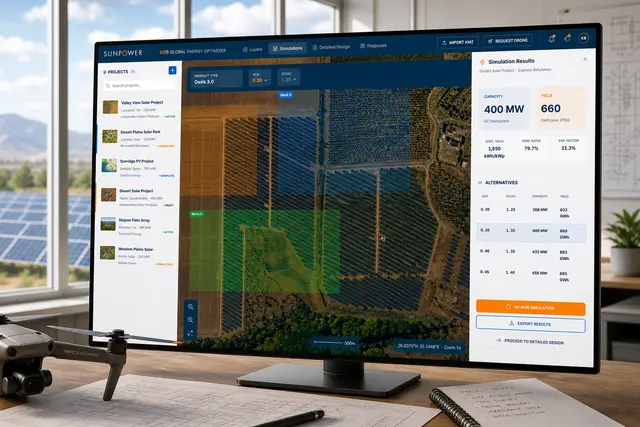
GEO – Global Energy Optimizer
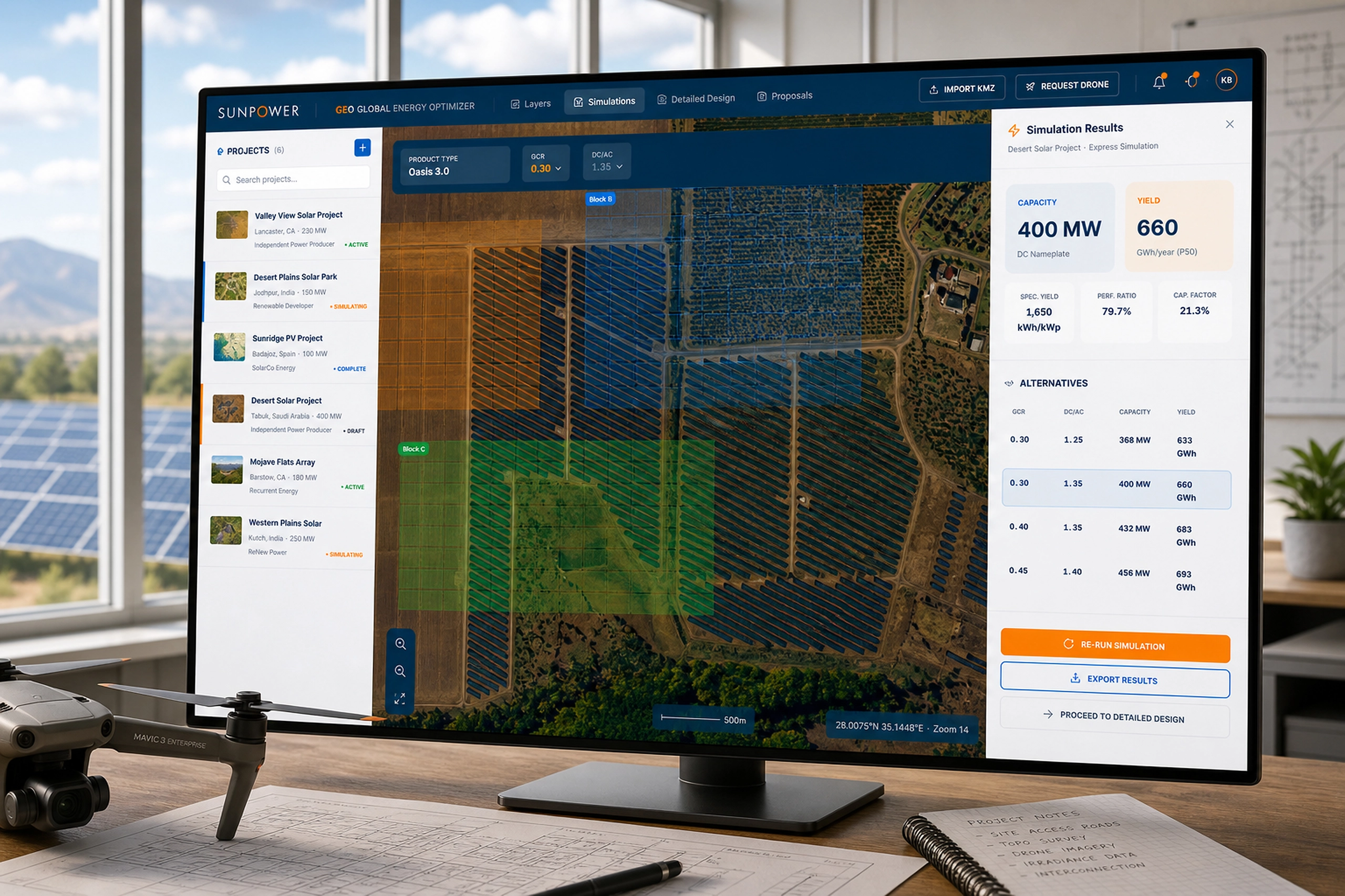
A geospatial solar planning platform for defining sites, simulating layouts, optimizing system pa...
Energy & Climate